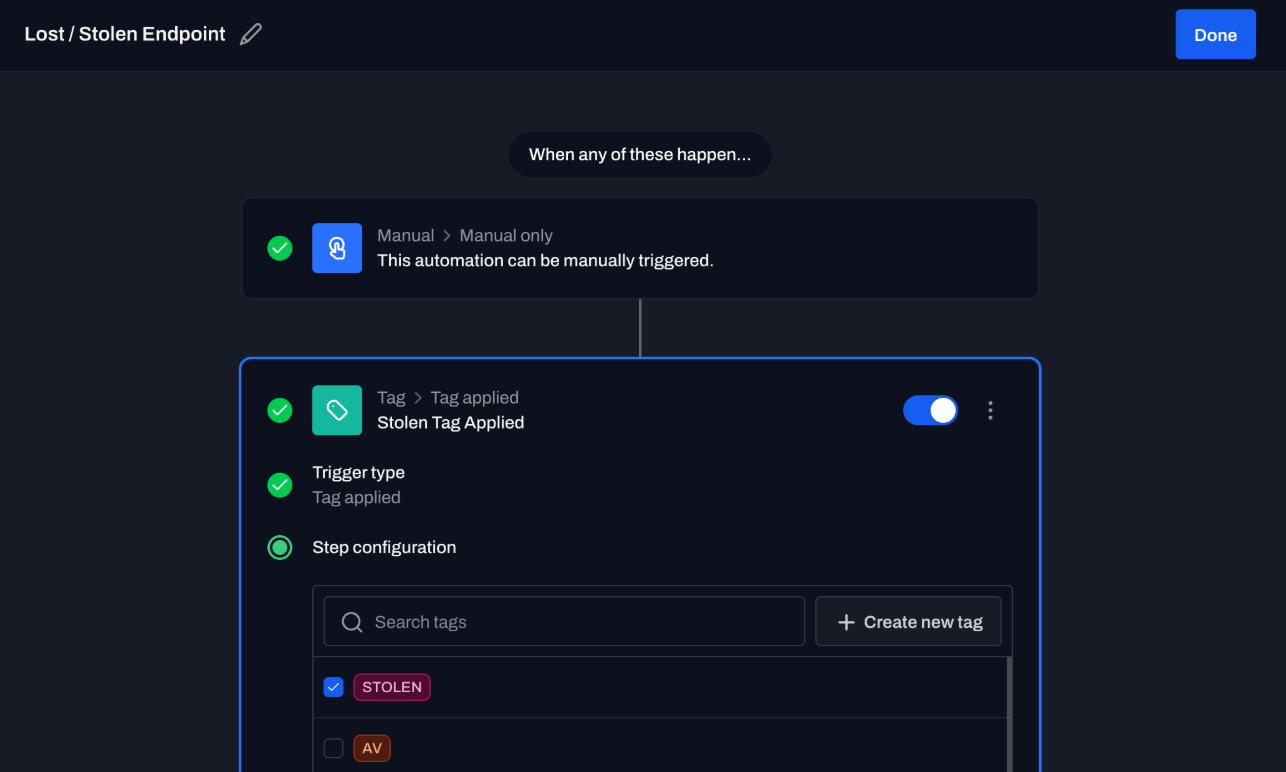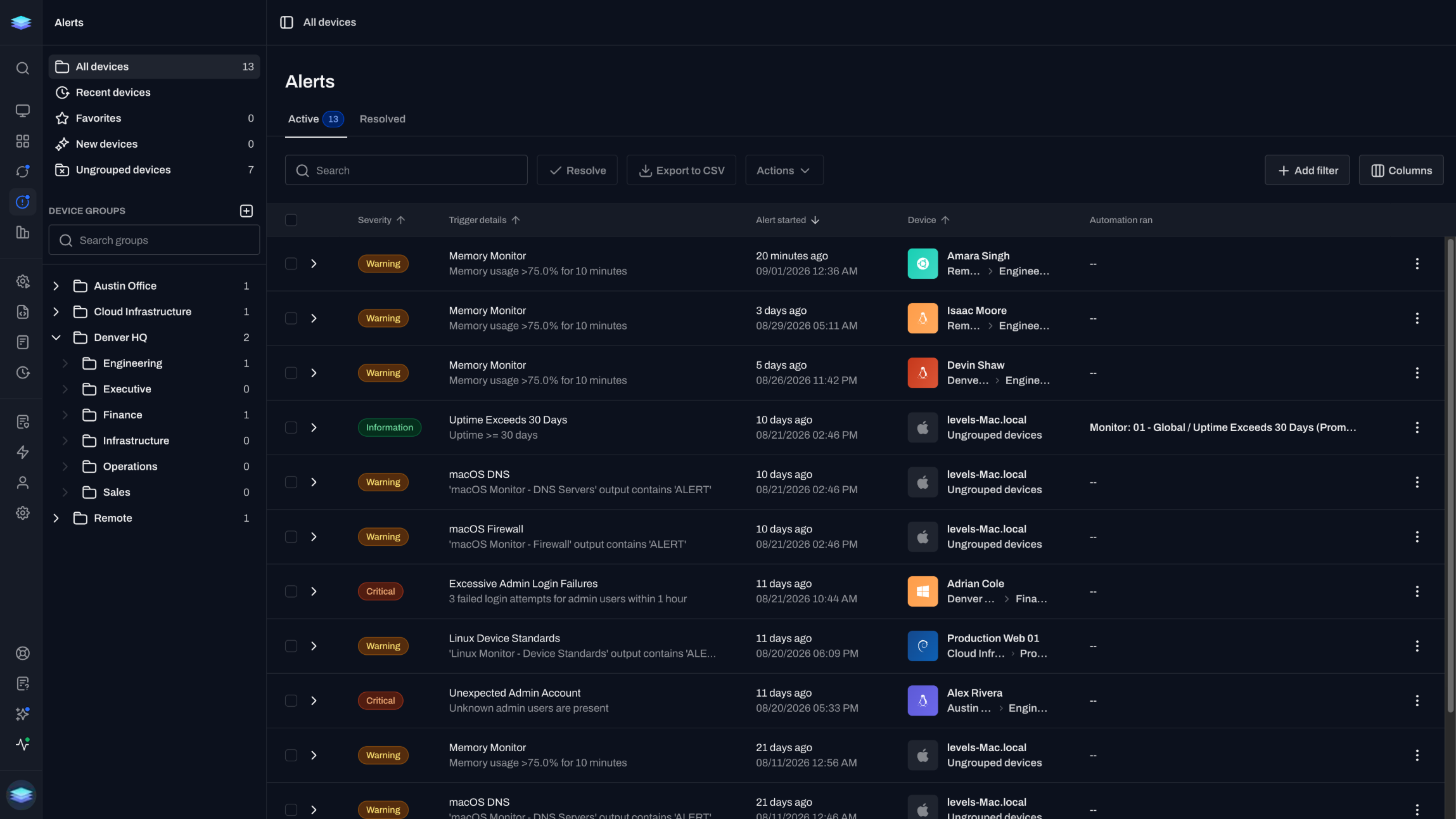
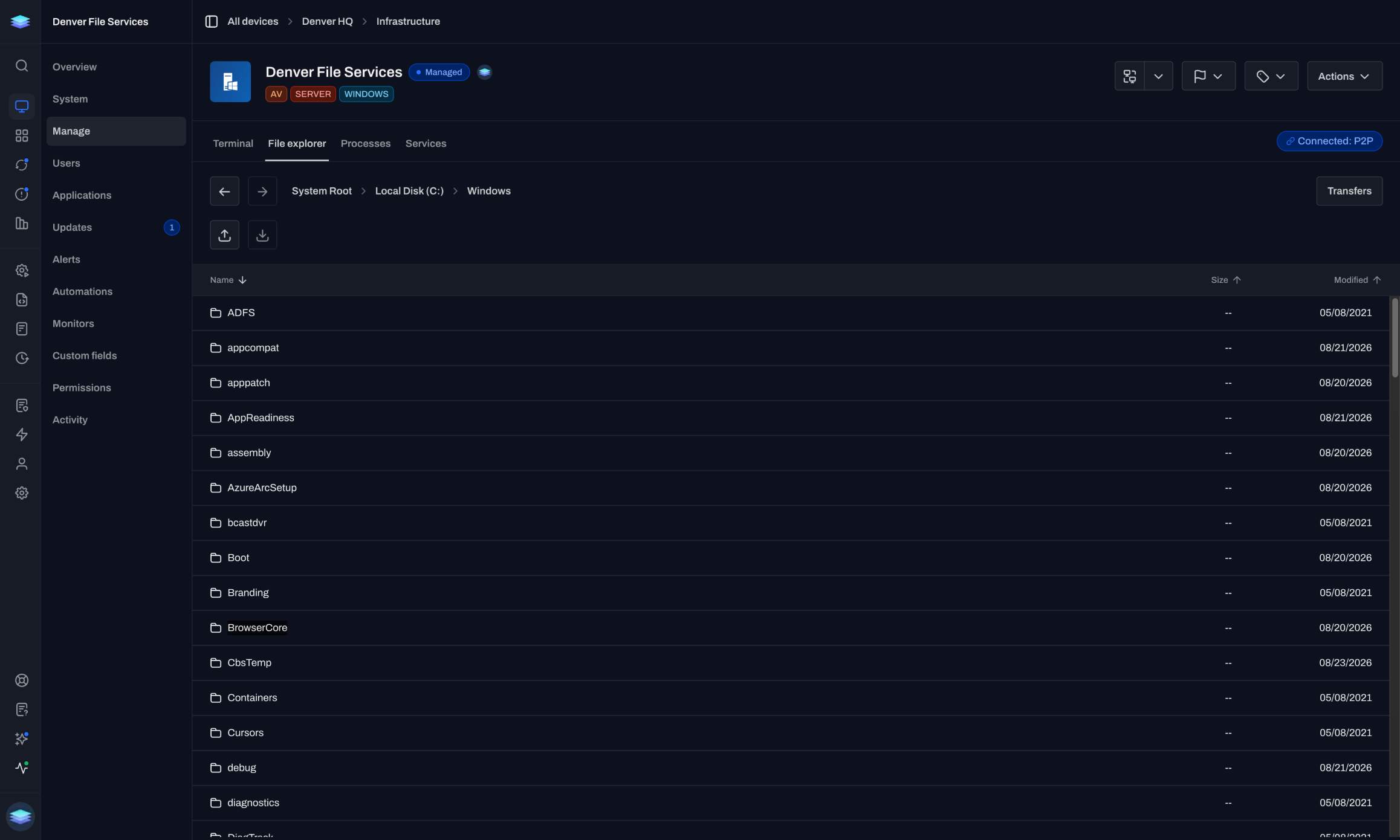
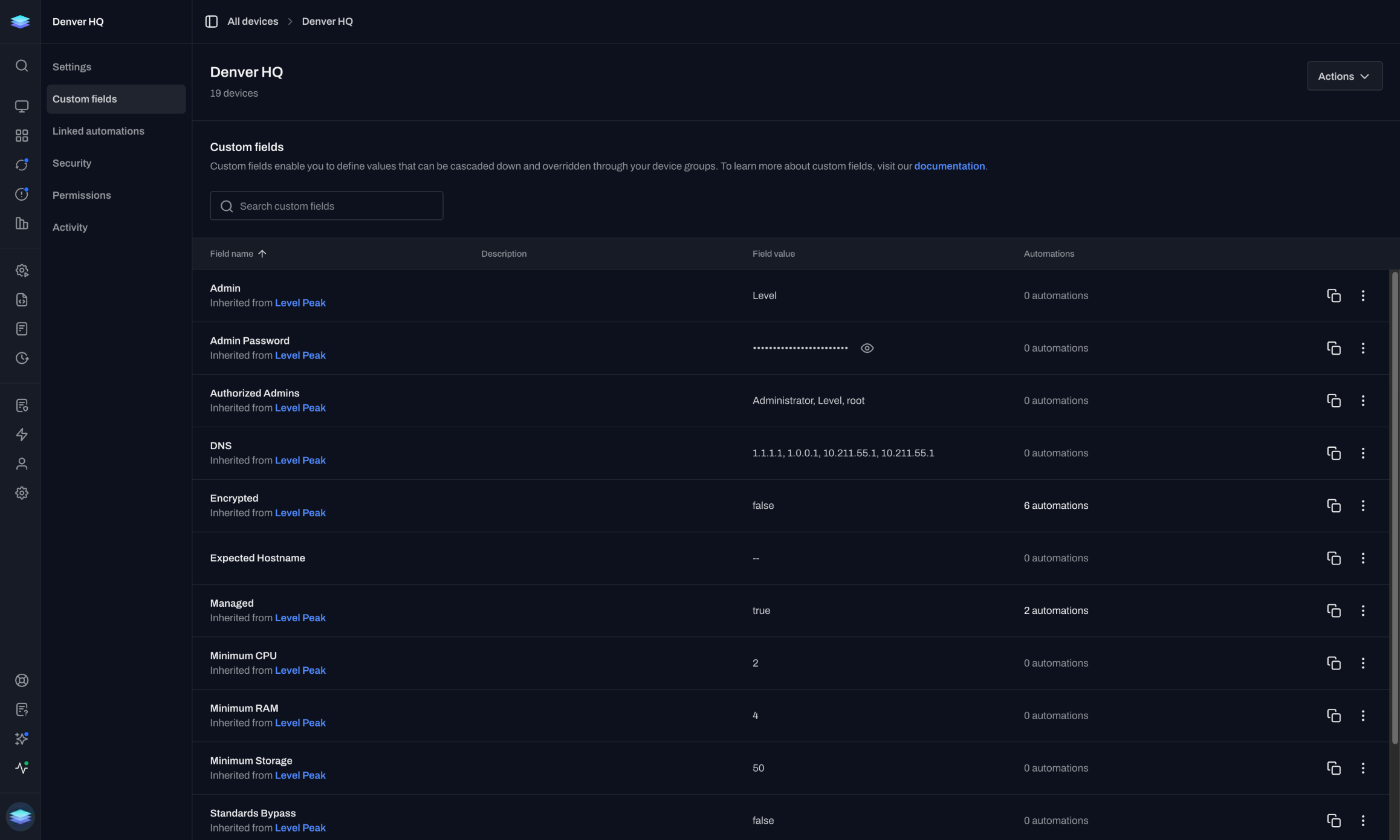
Tag a client. The workflow fires now.
React to enrollment, removal, tag, group, and API events the moment they occur.
Built for MSPs juggling multiple clients, without the bloat, annual lock-in, or the legacy UI.
It's the whole product, not a line item in someone's suite.
“Level gives us the power for only a few technicians to manage hundreds of endpoints from anywhere in the world with real-time insight.”
Justin Hayes
CEO · Bascom Logistics
The fleet grows. The team doesn't.
Maintenance, alerts, and check-ins pile up faster than a small team can clear them across every account.
Different tools, policies, and quirks per environment mean constant context-switching and a separate console for access, patching, and monitoring.
Manual enrollment, re-created policies, and lost configuration turn each new client into a multi-week project.
Each client's devices, alerts, and automations stay scoped.
Events, monitors, and schedules launch the right workflow at the right moment.
React to enrollment, removal, tag, group, and API events the moment they occur.
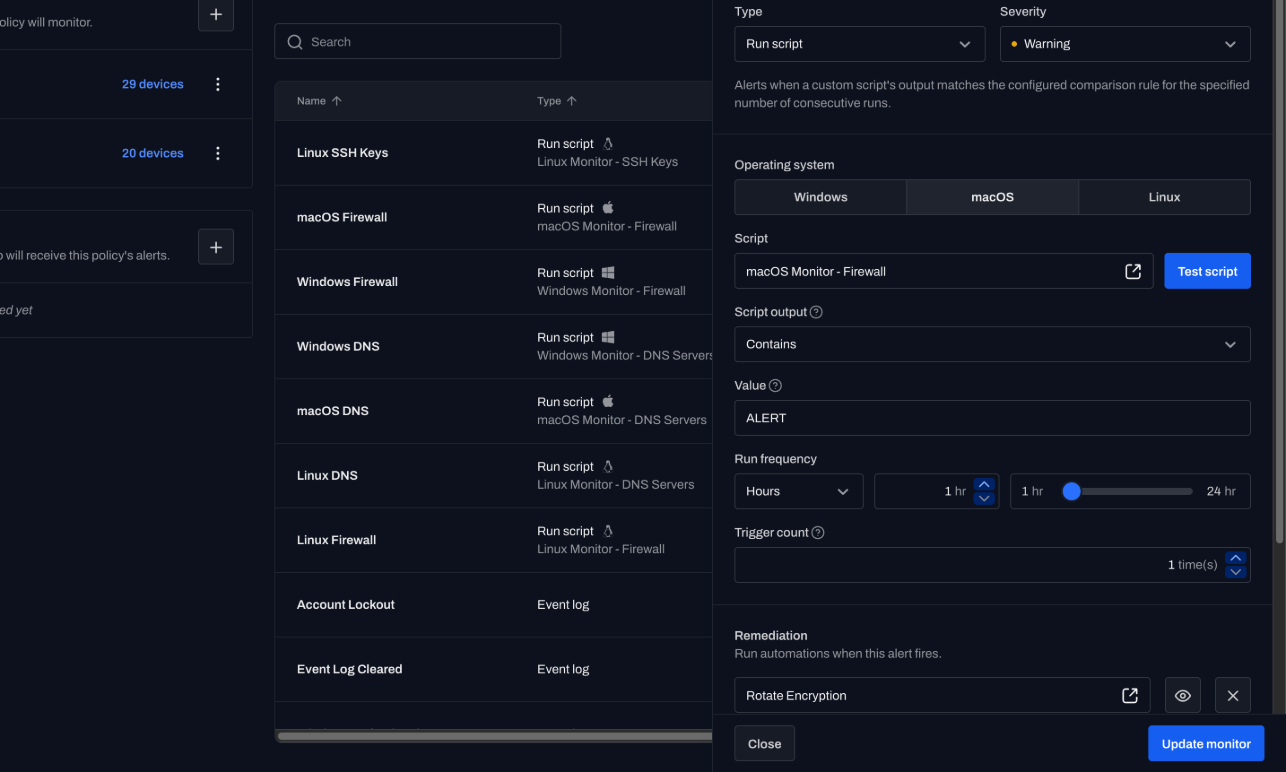
Turn CPU spikes, disk warnings, and service failures into immediate remediation workflows.
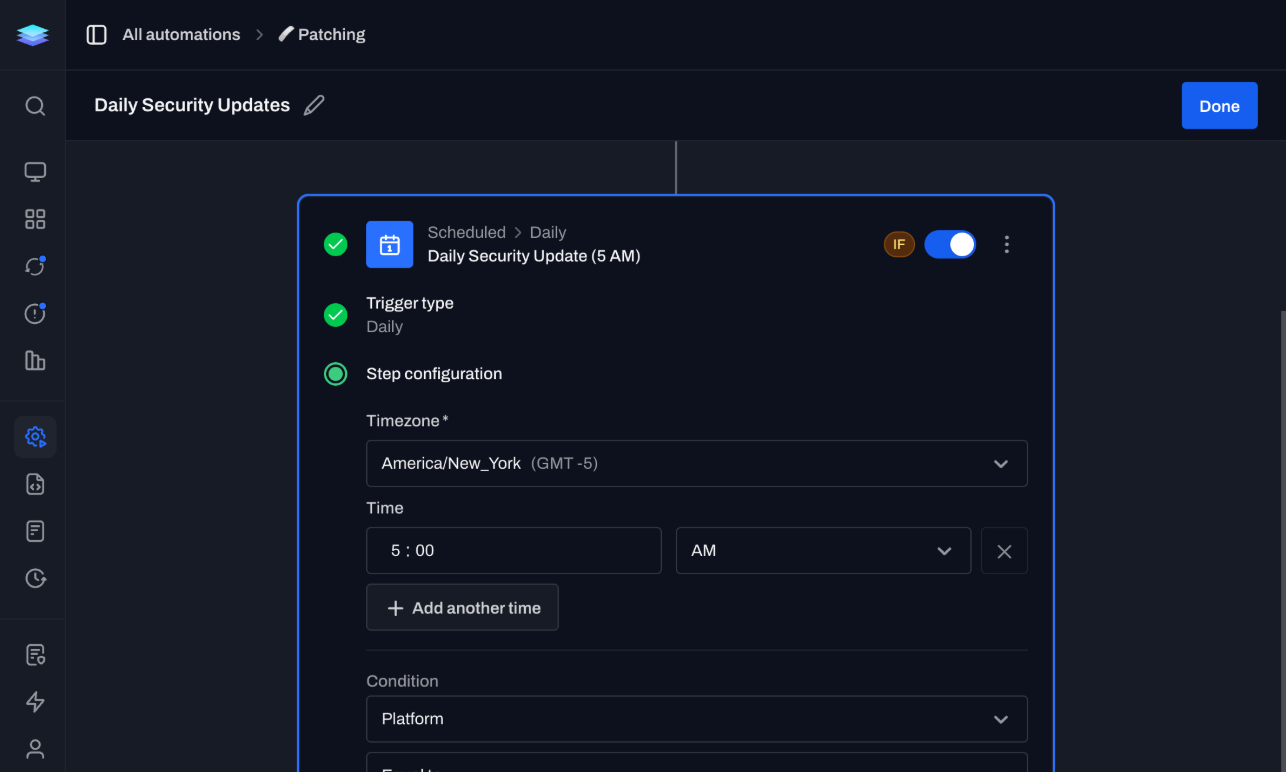
Run backups, updates, and system checks on precise schedules scoped to the right clients and devices.
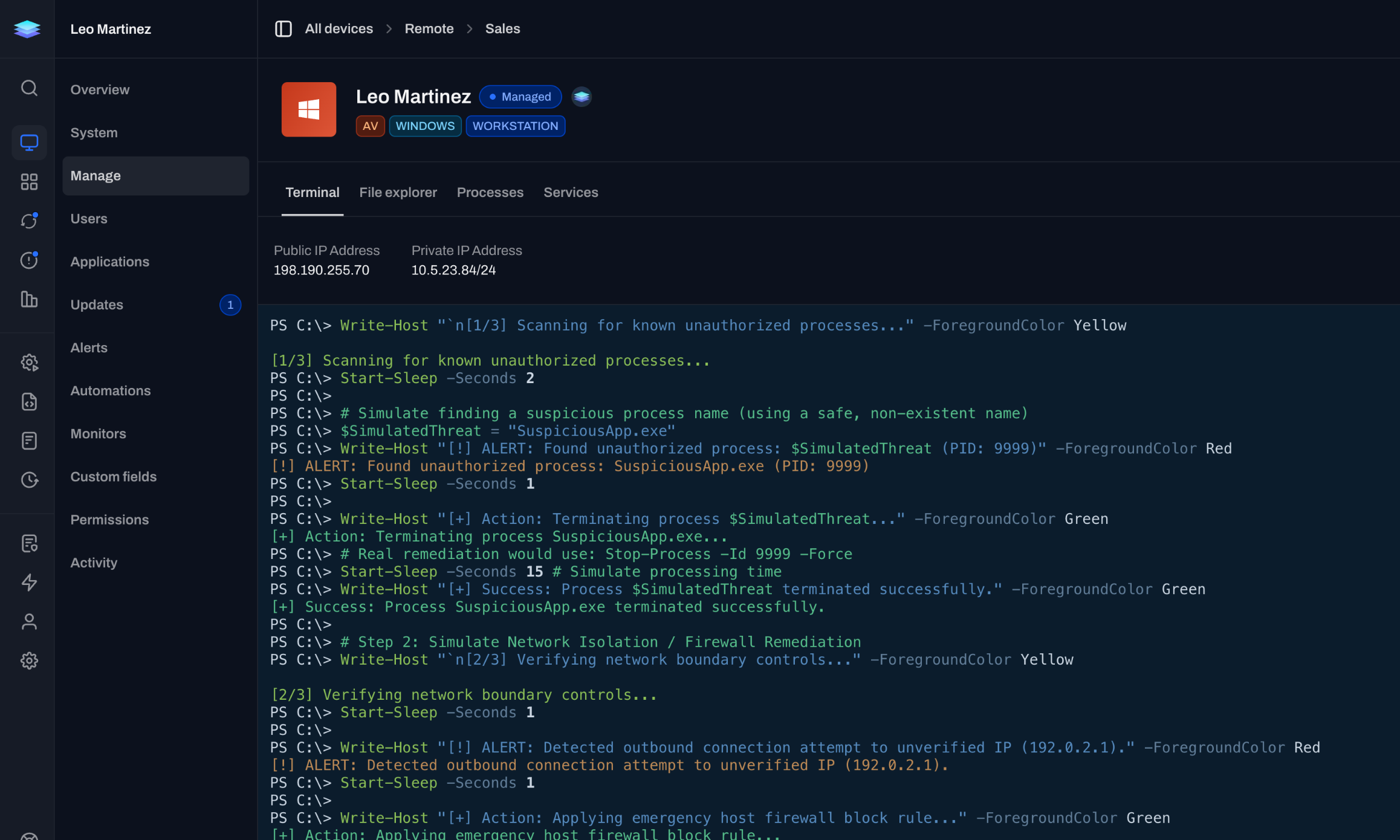
Fix it without a VPN. Work the device without interrupting the user.
Built for many clients from day one, never retrofitted for one.
Organize each client separately from day one, with client-scoped permissions and reporting instead of one retrofitted org.
Tag a client's devices once, then onboard and automate the fleet with live, per-device run logs.
Use scripted PowerShell enrollment to move a fleet without downtime or lost configuration, then run both RMMs side by side until you switch.
Bill month to month with no annual lock-in or device minimums, and add or remove devices whenever you need.
Open the page for the job in front of you.
Tickets stay in ConnectWise or Halo, and Level stays the RMM.
A few technicians can manage thousands and thousands of endpoints.
“I’ve spent a lot of time looking for a good RMM, mainly with a focus on automation. I tried Atera for a while. It wasn’t terrible, but like many RMMs, it never really clicked for me. I also looked into NinjaOne, but the interface didn’t win me over, and their aggressive sales tactics were a major turn-off. I’ve always worked with Kaseya in the past, but let’s be honest, it’s overkill and messy for smaller MSPs. While testing a bunch of new tools, I gave Level a shot, and I’m glad I did. What stood out immediately was the onboarding. I had a brief call with the CEO, Jacob, who personally activated my account. Super chill, no hard sell. He just said, “Here’s your account, go test it out,” and that was it. Plus, the first 10 devices are free, no commitment needed, which is a breath of fresh air coming from the constant promos and sales pressure of other vendors. Now the product itself? Really satisfying to use. The automation features are simple yet powerful, and the UI is clean and intuitive. It’s exactly what I was looking for: an RMM, not an all-in-one PSA, ticketing, documentation, and billing platform that tries to do everything but excels at nothing. Thanks, Level.”
“Like others have said, our team is also really enjoying Level. It’s very refreshing to have a super modern and sleek interface, great Linux support, and a development team that actually listens to feedback. It’s also really exciting to see the new features roll out basically every month.”
“I’m really digging Level.io as well. Fast UI, relatively easy to work with, and the automation engine is so far doing everything I’ve been dreaming up.”
“After migrating 600 devices to Level with their easy PowerShell install script, we have started to use Level RMM much more than our previous RMM. Level just works. New releases happen frequently. The roadmap is very exciting, and we can’t wait for the mobile app.”
“Our transition to a fully remote workspace was streamlined thanks to Level. This platform excellently meets our needs for remote management and endpoint monitoring. Its straightforward installation and user-friendly interface are complemented by the exceptional support. Discovering Level has been a pivotal moment for our remote operations.”
“Our school district faced limitations with our on-prem remote assistance solution. After extensive research, we considered four alternatives and chose Level for its user-friendly interface, pricing structure, and features.”
Migration, integrations, and what it costs to run.
Level connects to the PSA and documentation tools MSPs run, including ConnectWise and HaloPSA, so tickets and device data stay in sync with your RMM. New integrations are added regularly.
Most MSPs move client by client. Script the agent install with PowerShell, enroll a client fleet over a weekend, and keep your existing tool running side by side until you are ready to switch.
Yes. Multi-tenancy is built in. Scope technician permissions to specific clients, group devices by client, and report per client without untangling a shared list.
No. Billing is month-to-month and you can cancel anytime. There is no annual lock-in, and the first 10 devices are free.
You decide where each automation runs. Target it by client, group, or tag, require approval before anything changes, and review a full log of every run.
Lean teams run large fleets on Level. With automation handling routine work and remote access a click away, a few technicians manage thousands of endpoints across clients.
Book a 1-hour demo and we'll show you Level against a live environment, not a slide deck.