Up and running in minutes
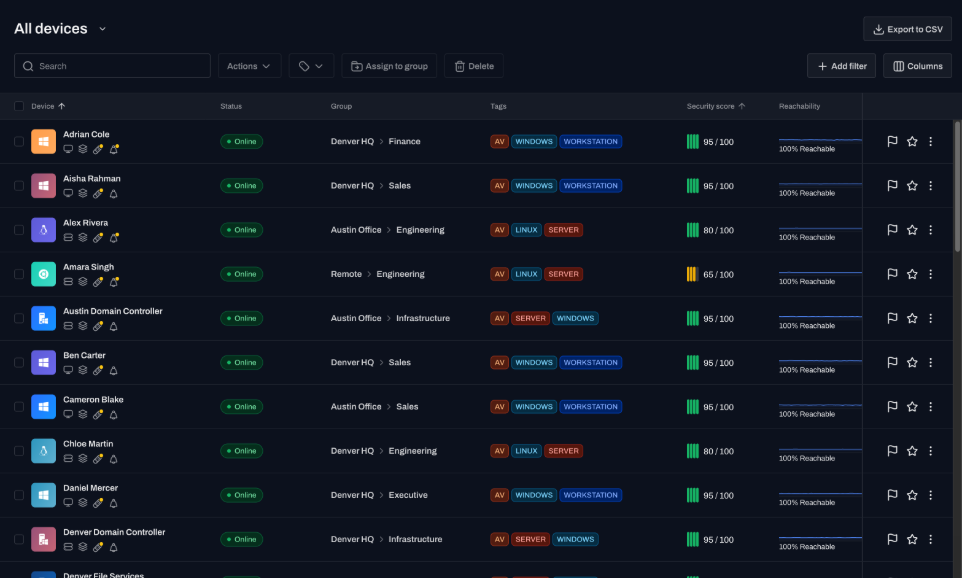
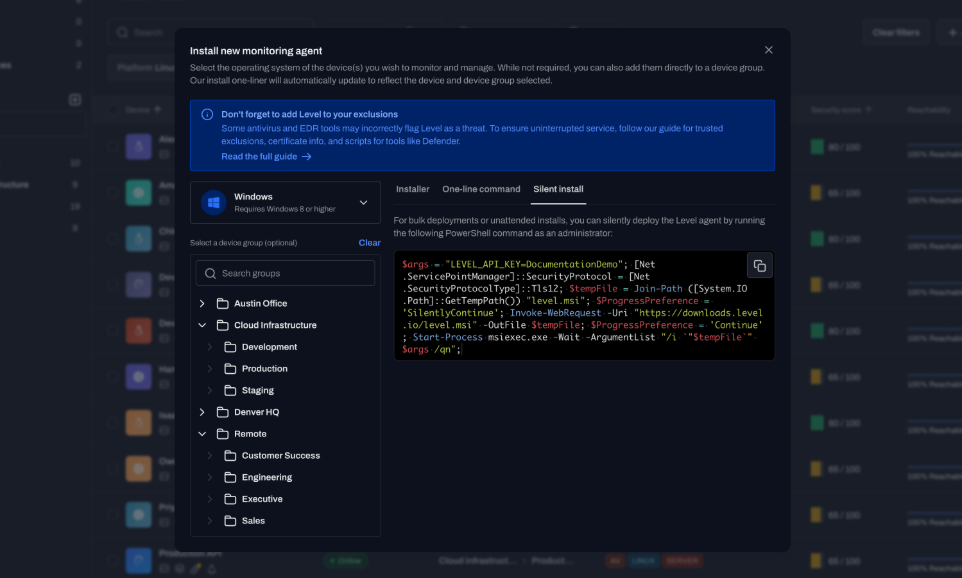
Deploy the agent with a one-line script and devices appear immediately. No server, no database.
No annual commitment, no implementation project. Deploy the agent and start automating. Most teams are set up in a day.
Set it up yourself, see your devices, and start automating the same day.
More devices, more tickets, and less time to see any of it.
Every laptop, server, and remote machine lands on the same short-handed team, and the count only climbs.
Resets, installs, and patching fill the ticket queue, so the projects that actually move IT forward keep slipping.
Device facts live in spreadsheets, other consoles, and people's heads, never in one place you can trust.
“I can confidently say that Level is truly an all-in-one experience that delivers. Level boasts top-notch automation and scripting capabilities, handles patch management efficiently, provides robust remote management tools, and, most importantly, it’s regularly updated with new features, ensuring I’m always well-equipped for success.”
Lance Hietpas
IT Director · YMCA
Built so two people can do what used to take ten.
Deploy the agent with a one-line script and devices appear immediately. No server, no database.
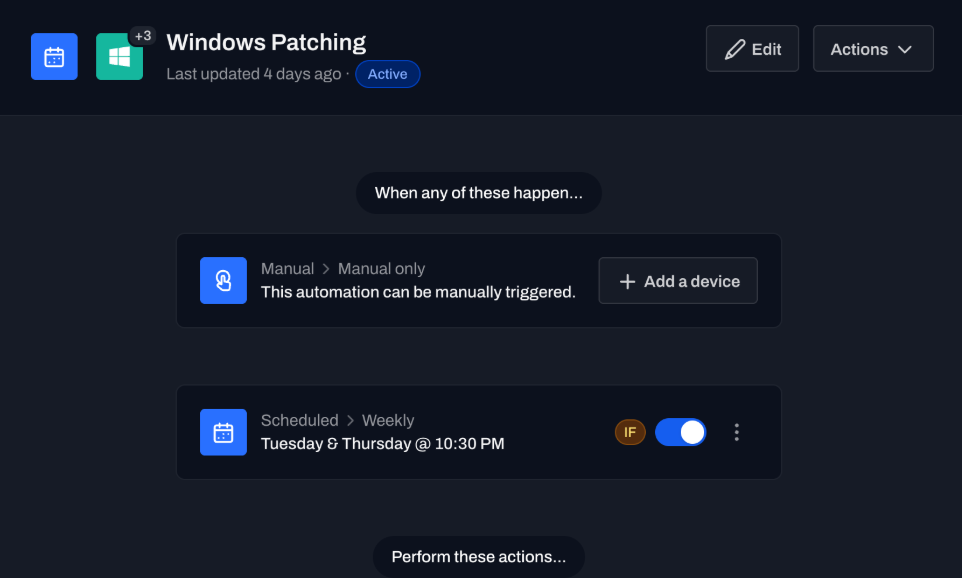
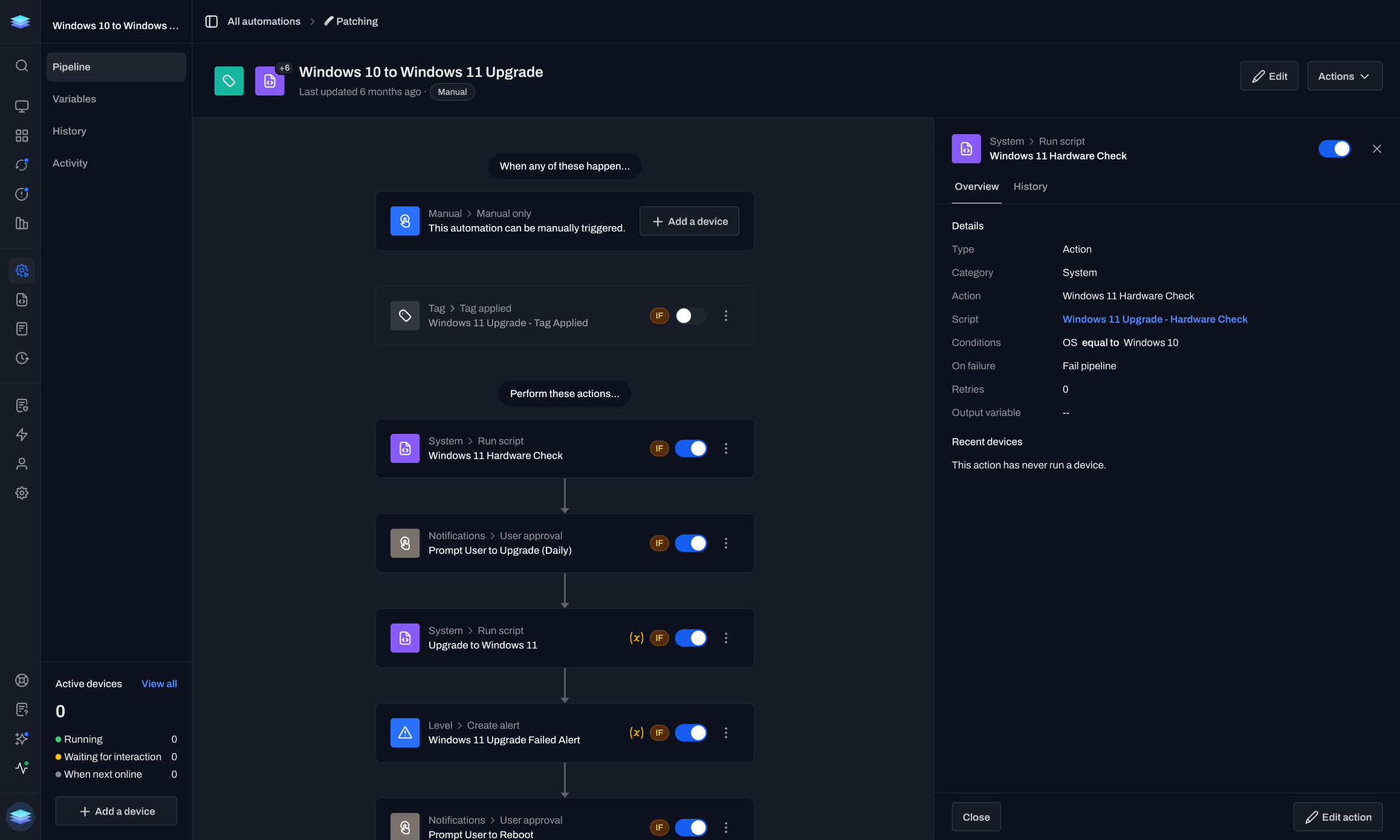
Patching runs on a schedule, devices self-configure, and alerts trigger remediation before a ticket opens.
“Level is such a breath of fresh air in the RMM space. The GUI looks clean, intuitive, modern and is very responsive.”
Easton Utilities
IT team
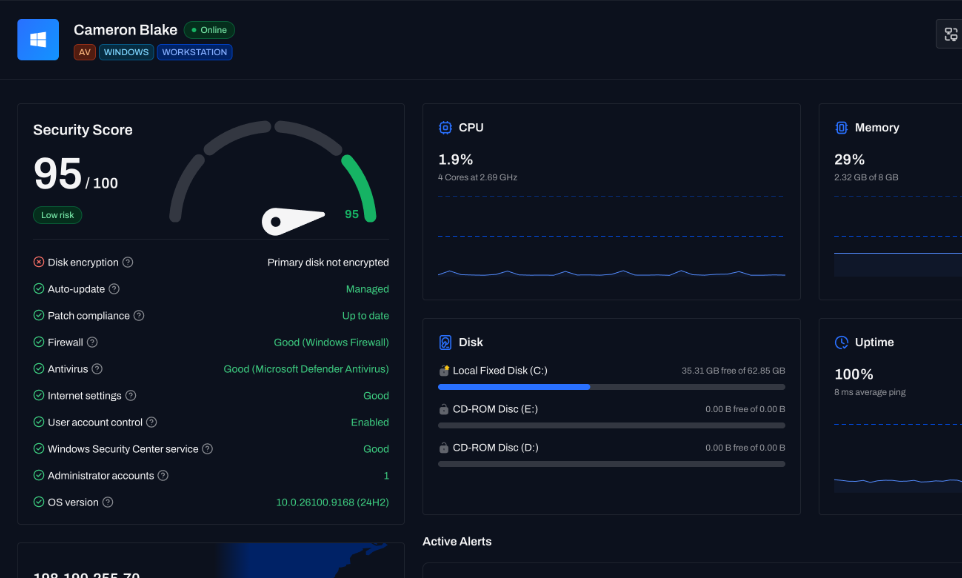
See every device's status now, not on the next scan. CPU, disk, and service alerts arrive in seconds.
Per-device pricing, no per-technician licensing, no add-ons, and no annual commitment.
Open the page for the job in front of you.
IT pros share what happens after they install it.
“I personally use Level.io internally here at NovaBACKUP to monitor production endpoints around the world. It works very well, saves us a ton of time with automations, monitoring, and alerts, and the company has been very responsive for any support issues or feature requests.”
“Level’s in-browser remote access is very good. If you need interactive remote access without a helper app, Level is a much better choice.”
“We’re using it for Linux machines since our primary RMM doesn’t have Linux support right now. It’s been great for us so far, and their team has been very responsive on support requests and feature rollouts.”
“Level gives us the power for only a few technicians to manage hundreds of endpoints from anywhere in the world with real-time insight.”
“Level is such a breath of fresh air in the RMM space. The GUI looks clean, intuitive, modern and is very responsive.”
“Level has brought us the multi-OS management software we need at a reasonable price. Its modern UI makes it easy to work with systems individually and in bulk.”
Setup, support, and what it costs to run.
Minutes to the first device. Run a one-line agent install or push it through your existing tool, and most teams are monitoring their full fleet the same day.
No. Level is cloud-native. There is no on-prem server to stand up and no database to provision.
Per-device pricing with no per-technician licensing and no annual commitment. Billing is month-to-month, and the first 10 devices are free with no time limit.
Windows, macOS, and Linux through a single agent, with the same patching, scripting, and remote access across all three.
You choose where each one runs. Run it automatically or require approval first, target it by group or tag, and review a full log of every run.
Yes. Remote sessions open in the browser with no VPN, and background management handles maintenance without interrupting the user.
No credit card. Full platform access. Most teams are running across their fleet within a day.