


Run at fleet scale.
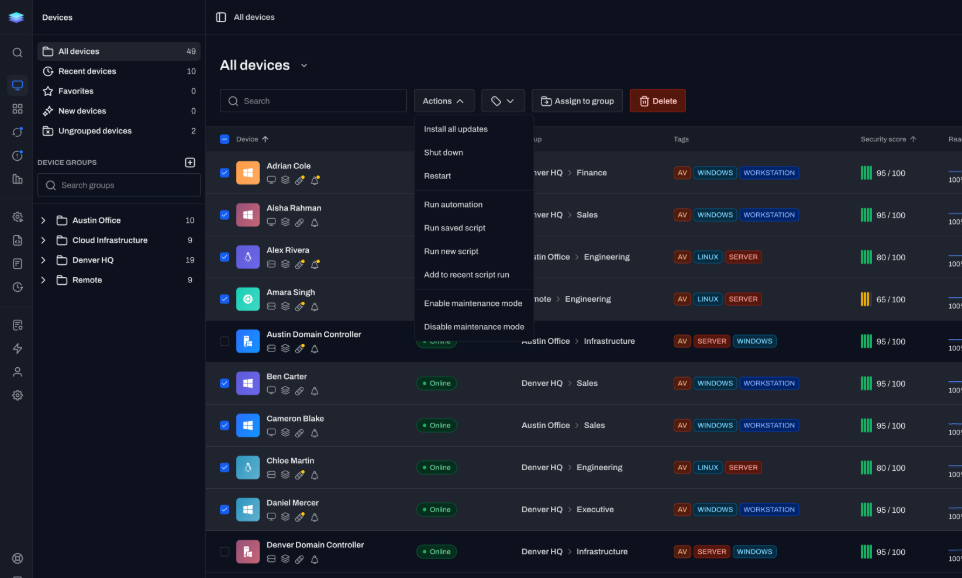
Execute against a device, group, or tag, and reach thousands of endpoints in one run instead of one at a time.
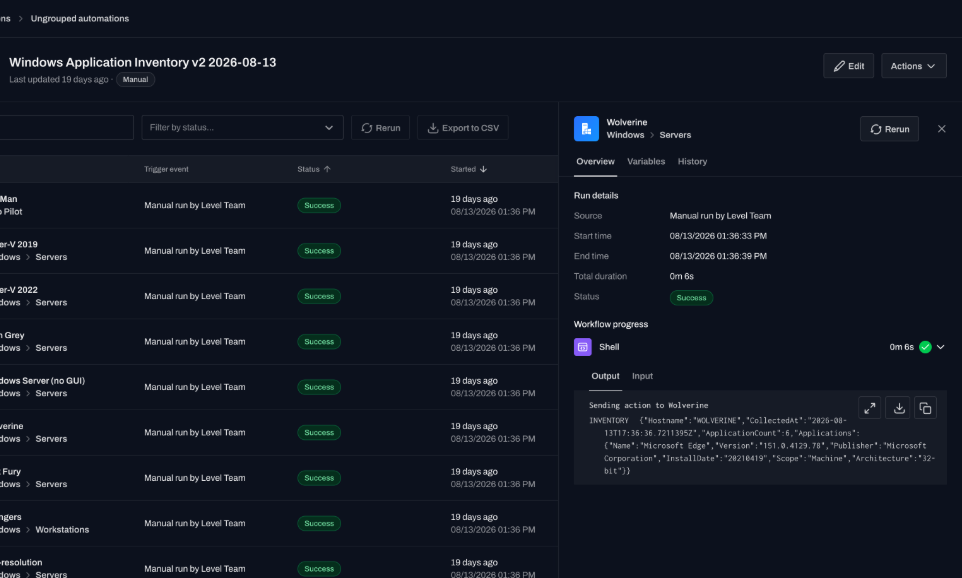
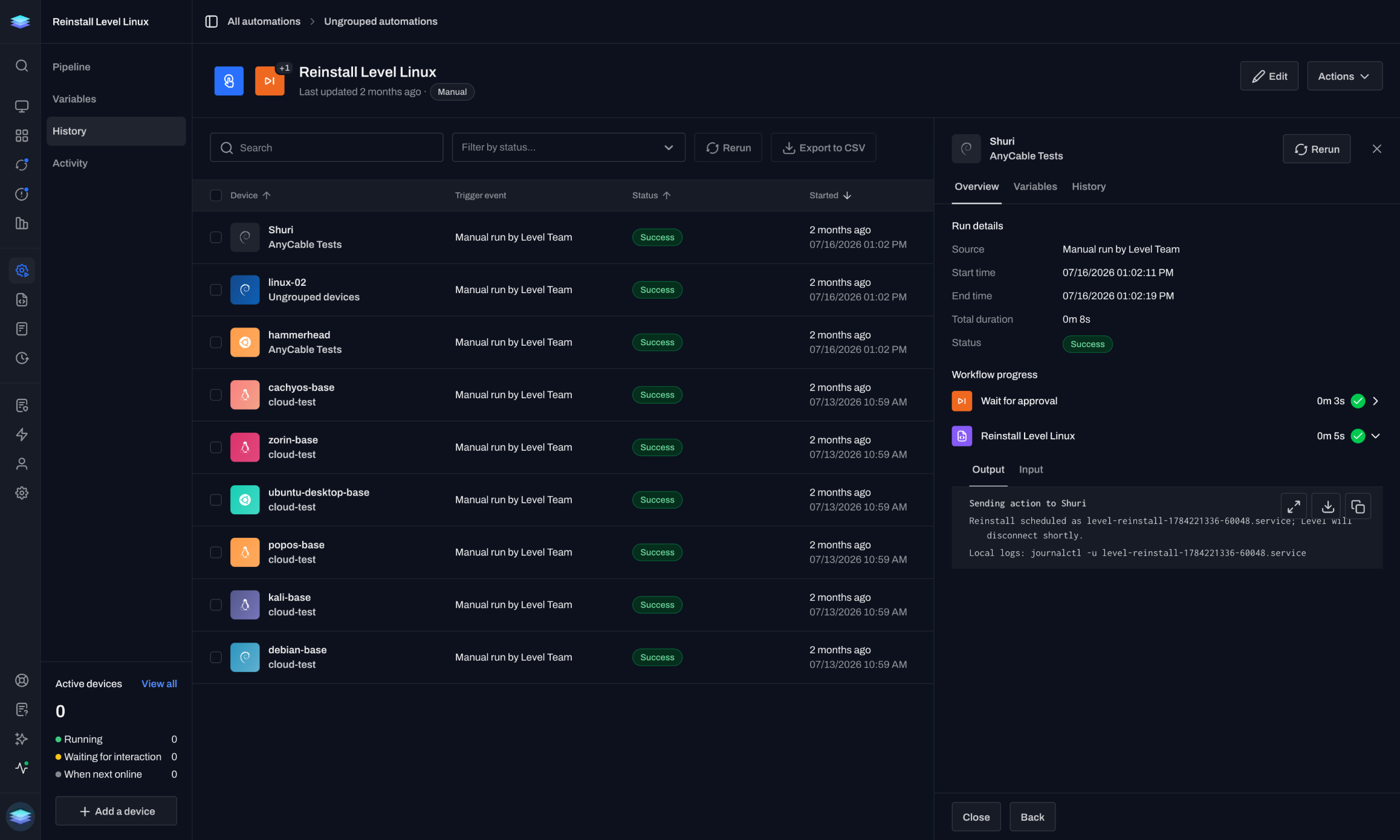
PowerShell, Bash, and Python run as first-class citizens. Execute now or schedule for later. Output streams back in real time.
Stdout and stderr stream back per device as it runs.
“Level.io made me a custom script to install MSI apps pretty quickly after I opened a support ticket. I think they’re fantastic.”
miketunes
r/msp · RedditLevel runs the tools your team already reaches for.
Windows-first automation, administration, and scripting.
Bash and Zsh for quick scripts and command-line automation.
Data processing, integrations, and rich scripting.
Build fast, compiled extensions and integrations.
Infrastructure automation and configuration.
Query system state using familiar SQL syntax.
It's wired into the platform, not stapled on beside it.
Execute against a device, group, or tag, and reach thousands of endpoints in one run instead of one at a time.
Output streams back the moment each device executes. No polling, no batch delay, just stdout and stderr, live.
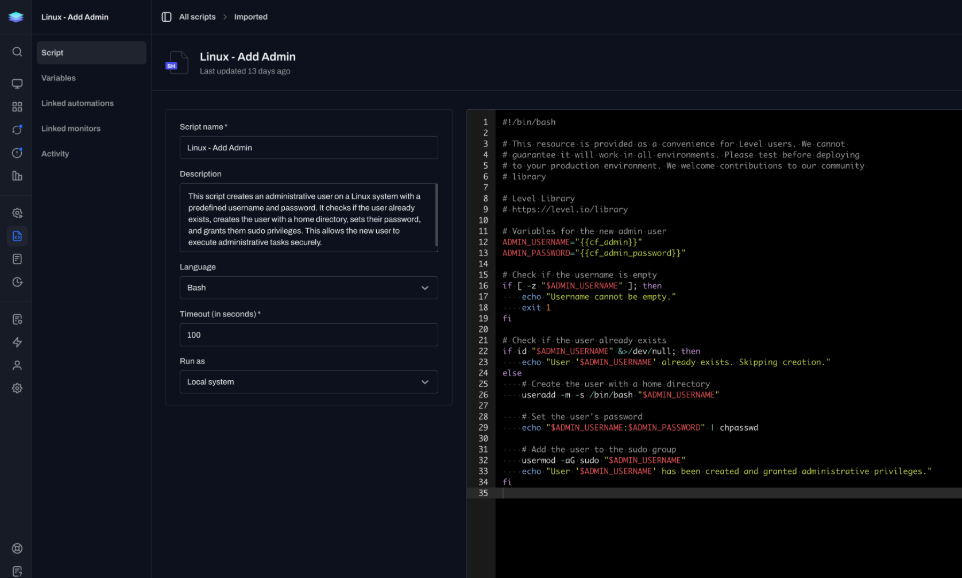
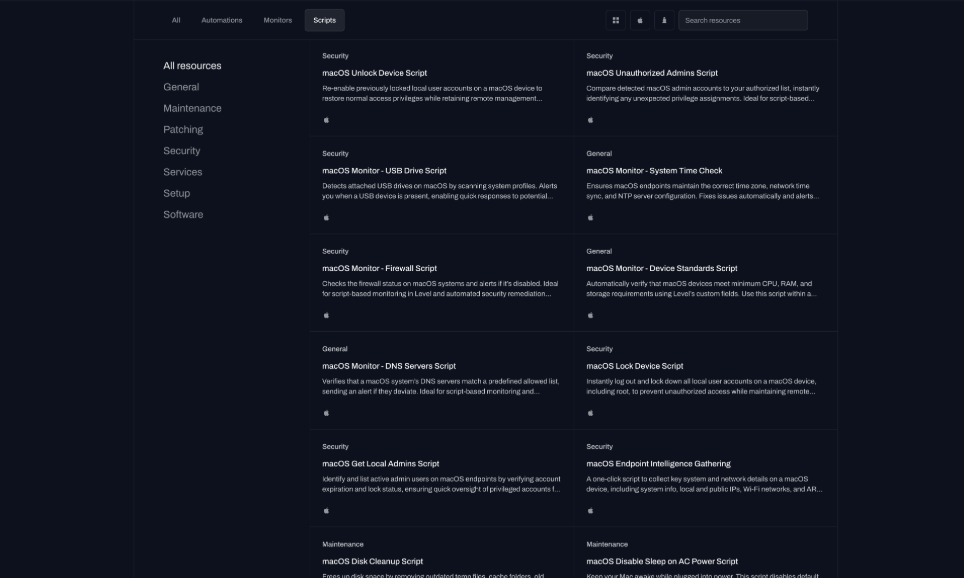
Save, organize, and share scripts across your org, or pull one from the community library and fork it to fit.
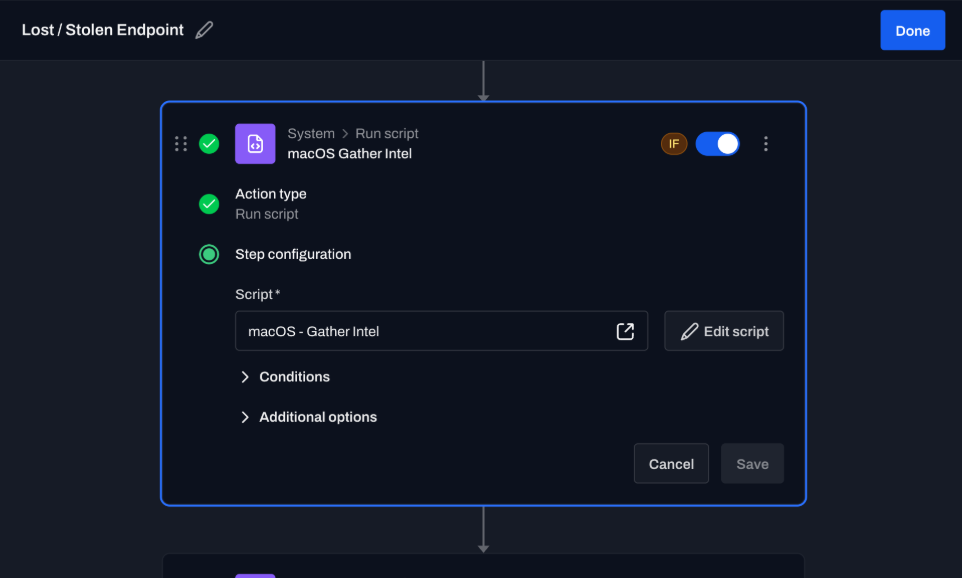
A script is a native action. Trigger it on an alert, tag, or enrollment, then use its output as the next step's condition.
A tag, a monitor, or a new device can start the workflow.
That starts the workflow. The next step can be another script.
That starts the workflow. The next step can be another script.
That starts the workflow. The next step can be another script.
Import from the library, then save and share your own.
Direct answers about chaining, live output, and languages.
Yes. Drop them in as automation actions. A tag, a monitor, or a new device can start the workflow, then the next step runs.
Yes. Stdout and stderr stream back per device.
PowerShell, Bash, Zsh, Python, Go, Ansible, and osquery.
First 10 devices are free, with no time limit. Same features as paid.
Deploy the agent. Run one command across 10 devices. Watch the output come back.