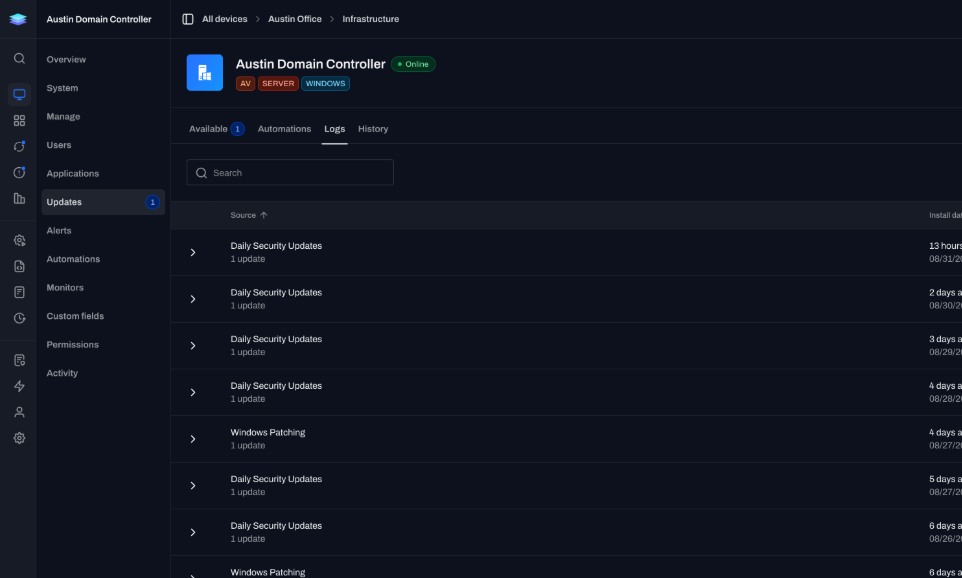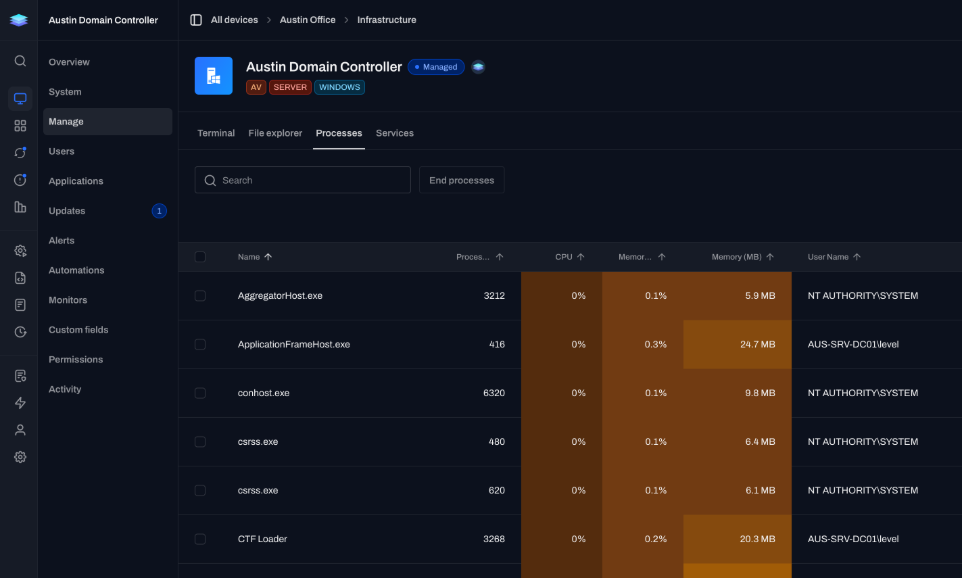
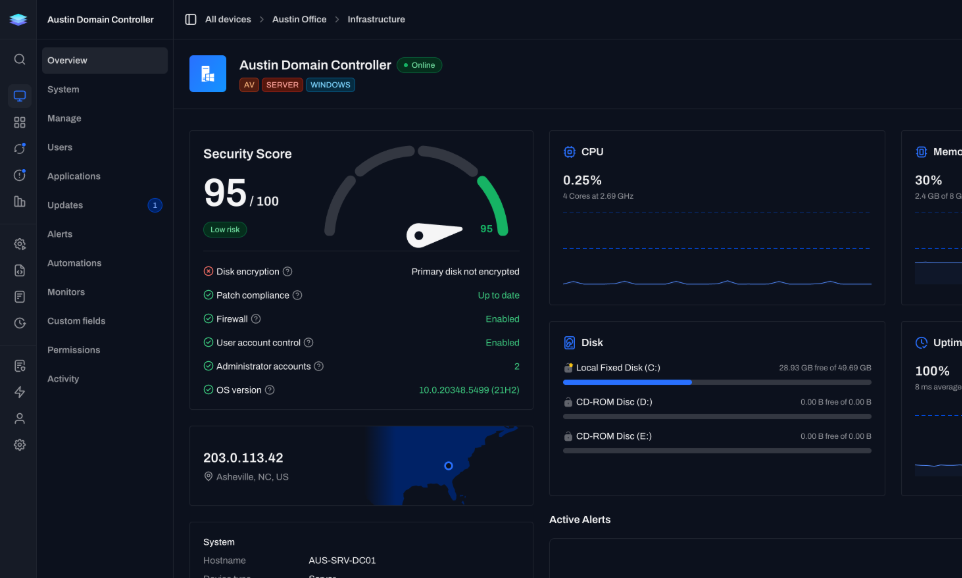
Everything about a device.
Hardware, software, users, activity, and security in one place.
Real-time hardware and software inventory across Windows, macOS, and Linux.
Search every hardware and software field, current to the second.
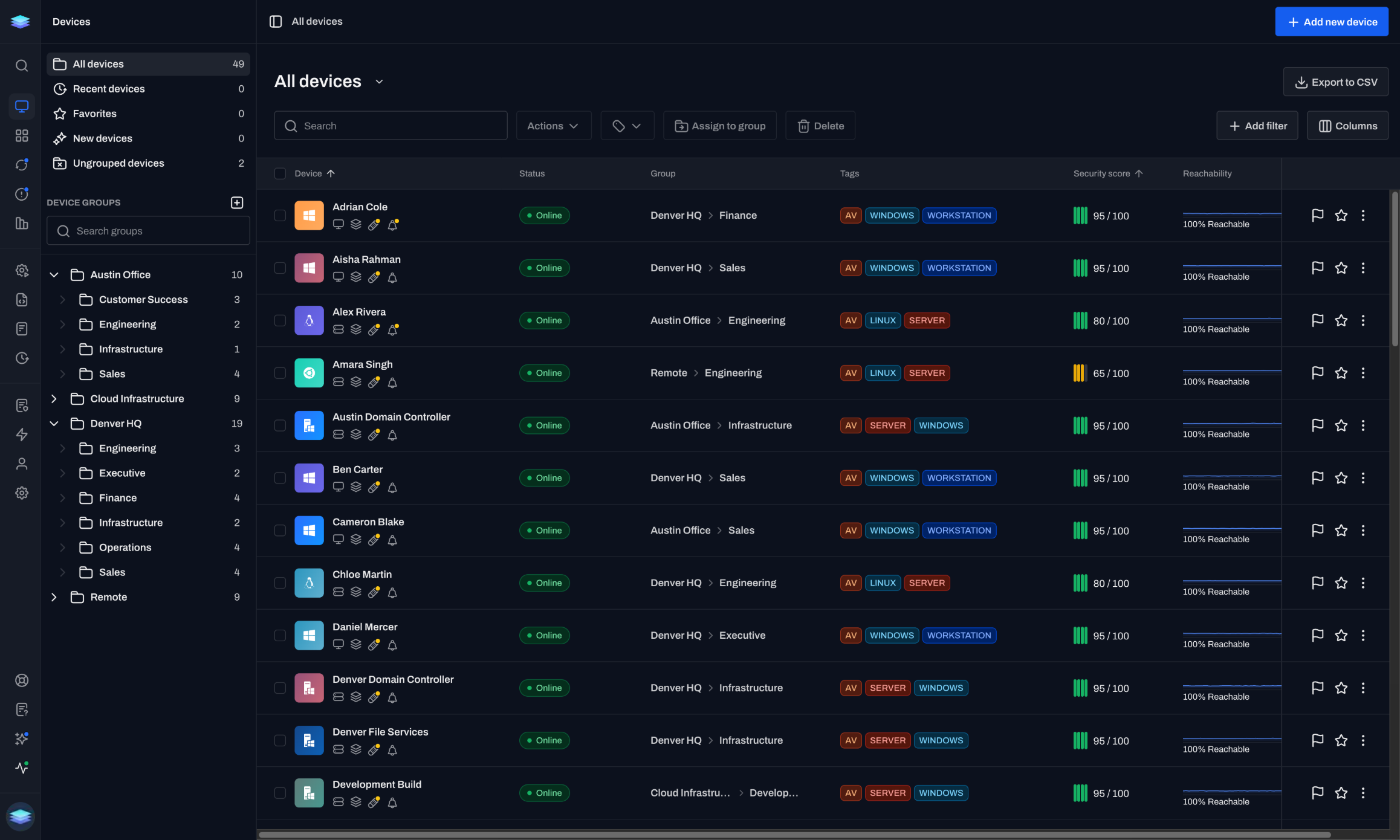
Everything about a device is available the moment you open it.
Hardware, software, users, activity, and security in one place.
Devices update automatically as your environment changes.
“Level has brought us the multi-OS management software we need at a reasonable price. Its modern UI makes it easy to work with systems individually and in bulk.”
Exisor
IT team
Search, filter, and investigate without digging through multiple tools.
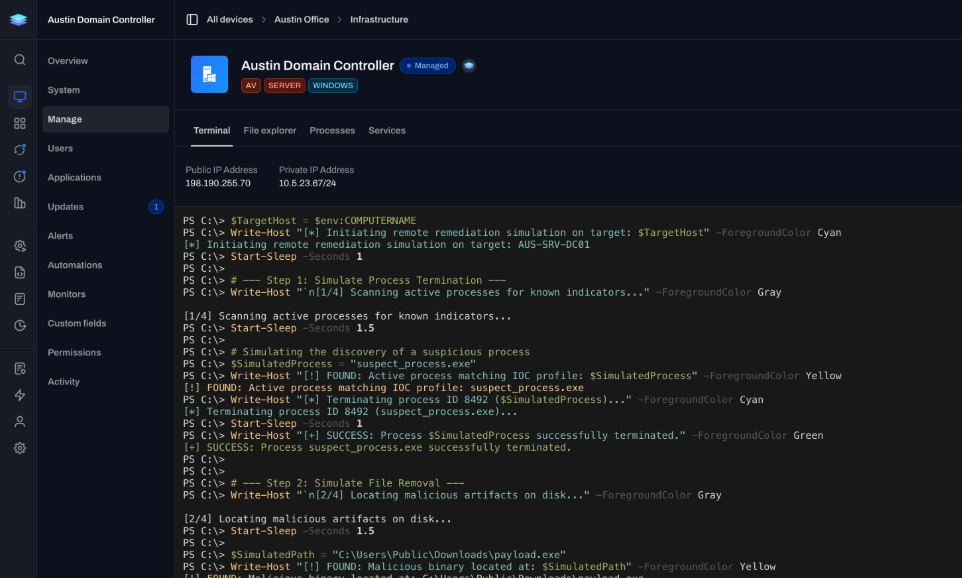
Go from insight to remediation without leaving the device page.
The same experience across every device you manage.
Manage Windows, macOS, and Linux from a single platform.
Every device has its own history, activity, and context.
Grow easily from a handful of devices to entire fleets.
Direct answers about coverage, freshness, search, groups, and export.
Yes. Hardware and software inventory is collected on Windows, macOS, and Linux from the same device list.
The agent syncs hardware inventory about every 5 minutes on an online device. If a device is offline, you see the last check-in.
System specs, installed applications, users, updates, alerts, automations, monitors, and more. Everything about that device in one place.
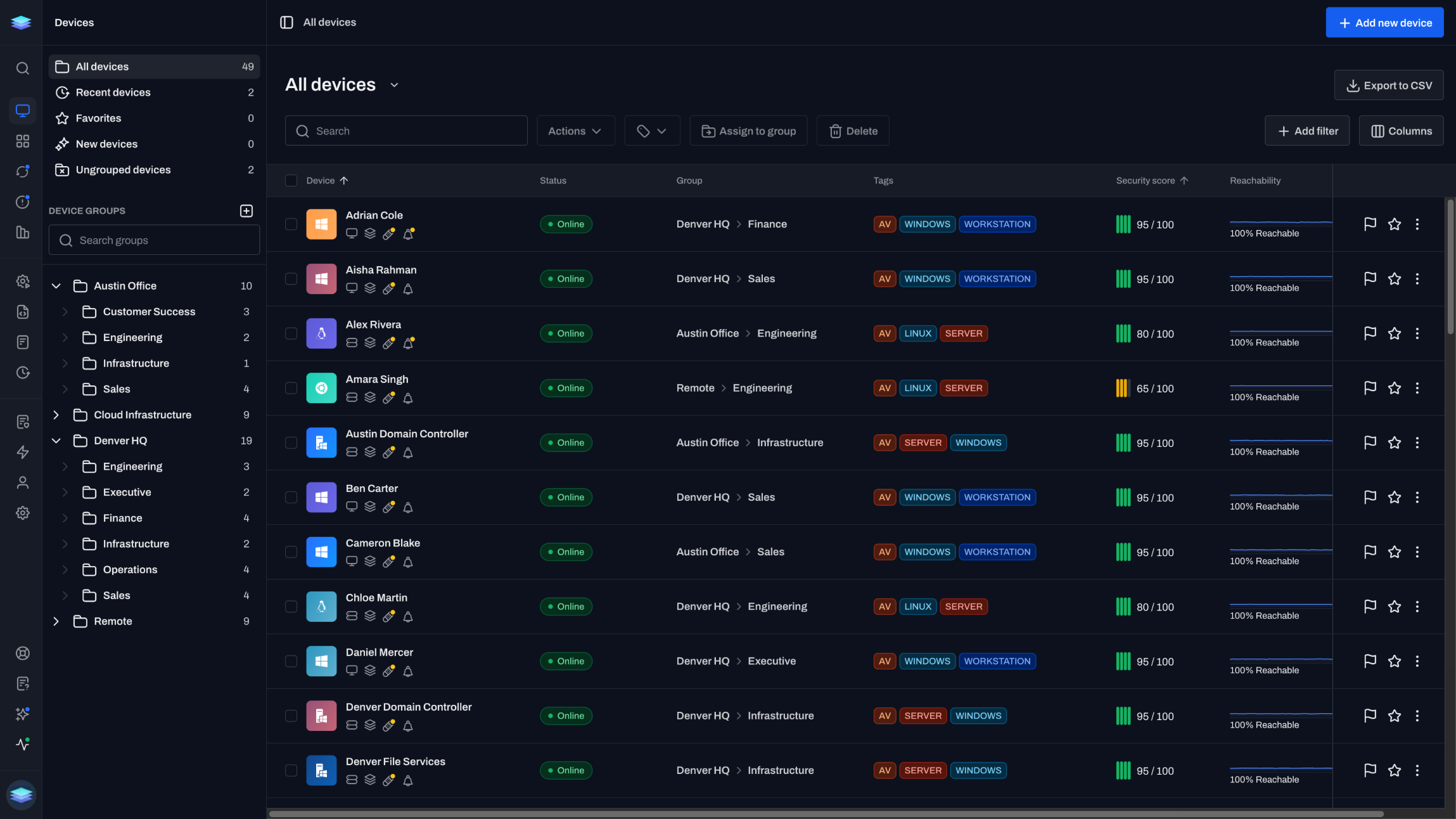
Yes. Search the device listing, filter by group, tag, OS, and other fields, then export the matching set to CSV. The export includes all columns, not just the ones currently visible.
Groups organize devices and control who can access them. Tags target automations and monitor policies. A device belongs to one group. It can have as many tags as you need.
The first 10 devices are free forever. No time limit.
Get started in minutes. First 10 devices free.