Switch to Level
Switch RMMs without disrupting the work.
Run Level alongside your current RMM, validate the workflows your team relies on, and move devices in controlled groups. Keep existing coverage in place until each phase is ready.






Move in three steps.
Each one runs beside your current RMM, so nothing breaks.
Move in three steps.
Each one runs beside your current RMM, so nothing breaks.
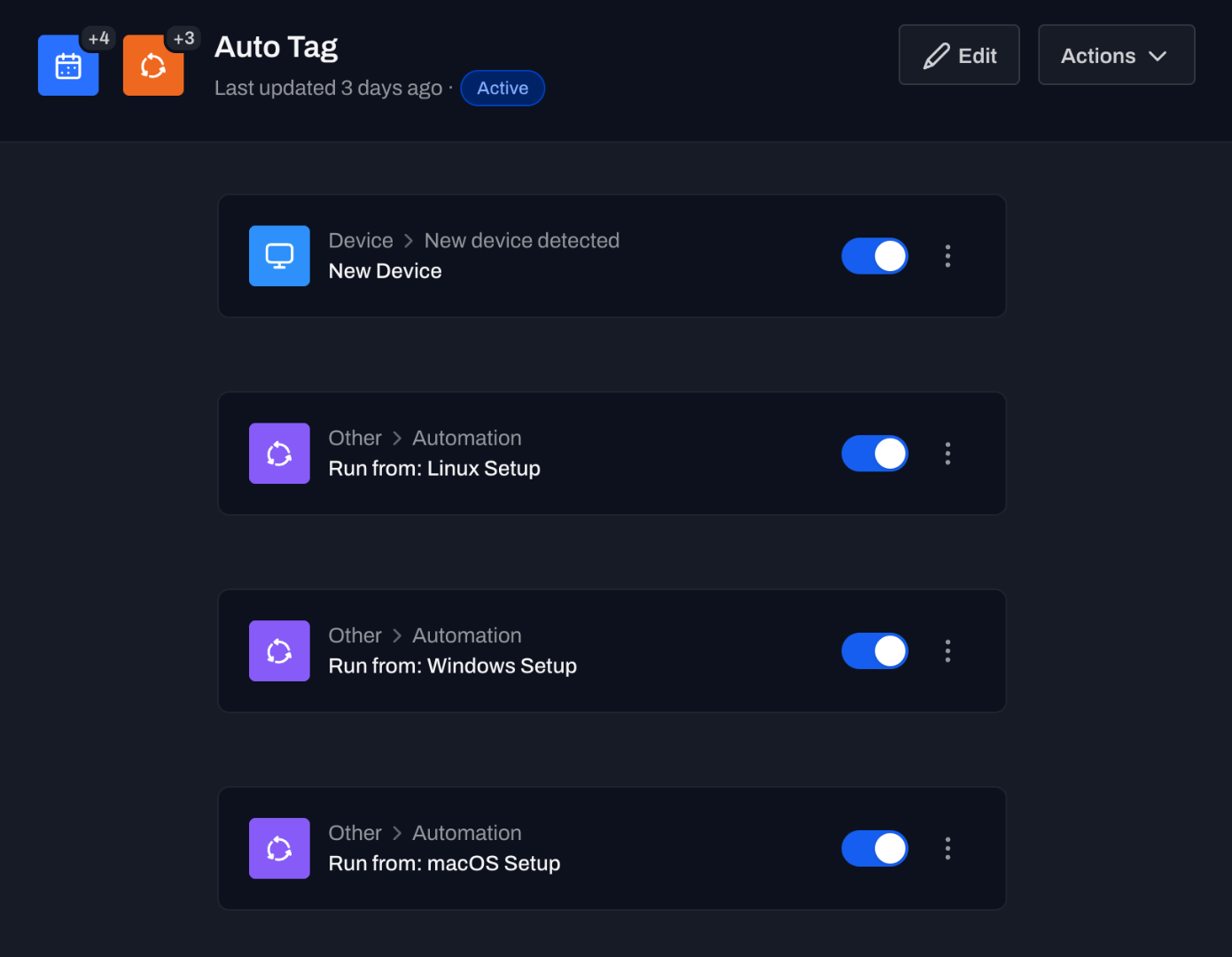
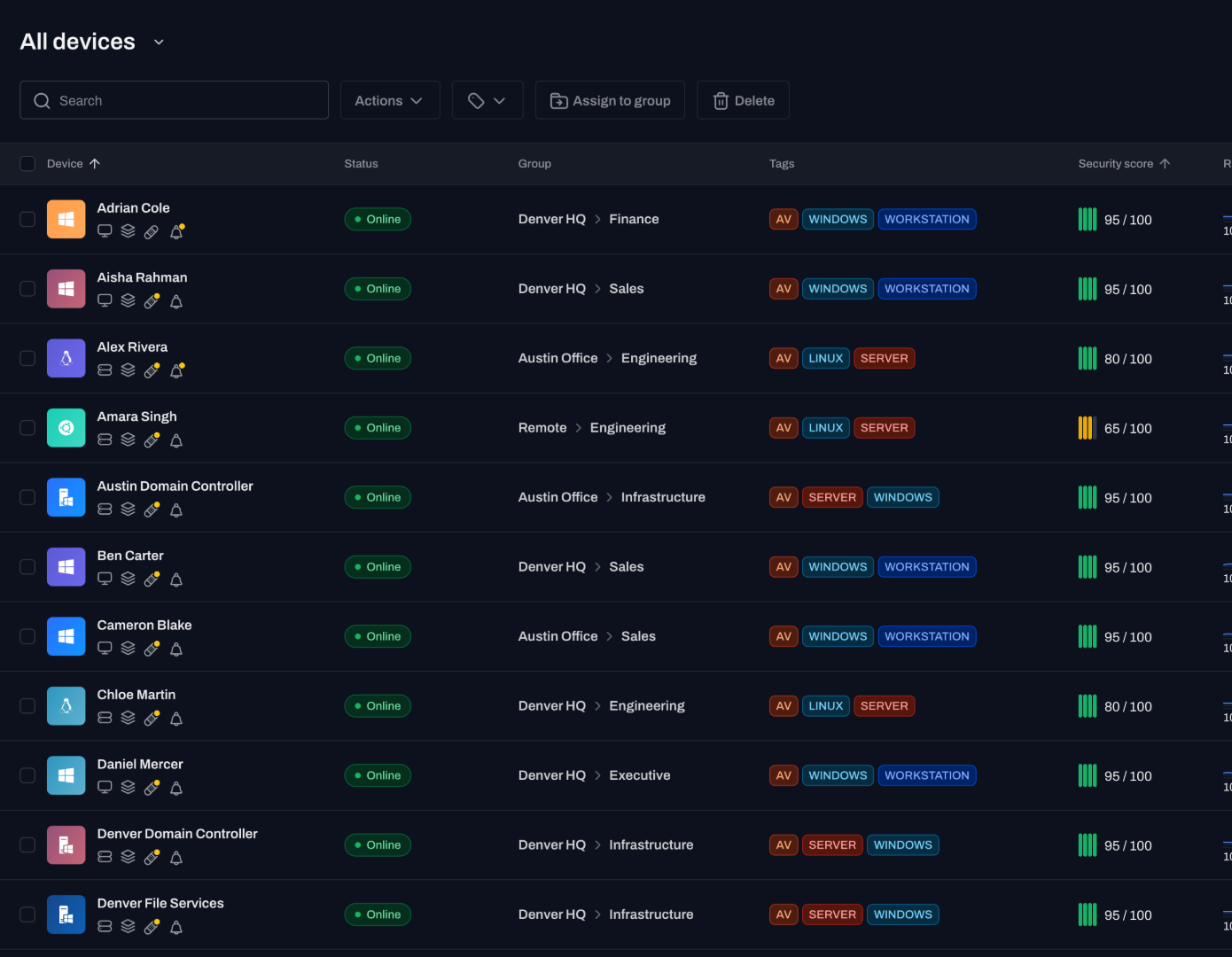
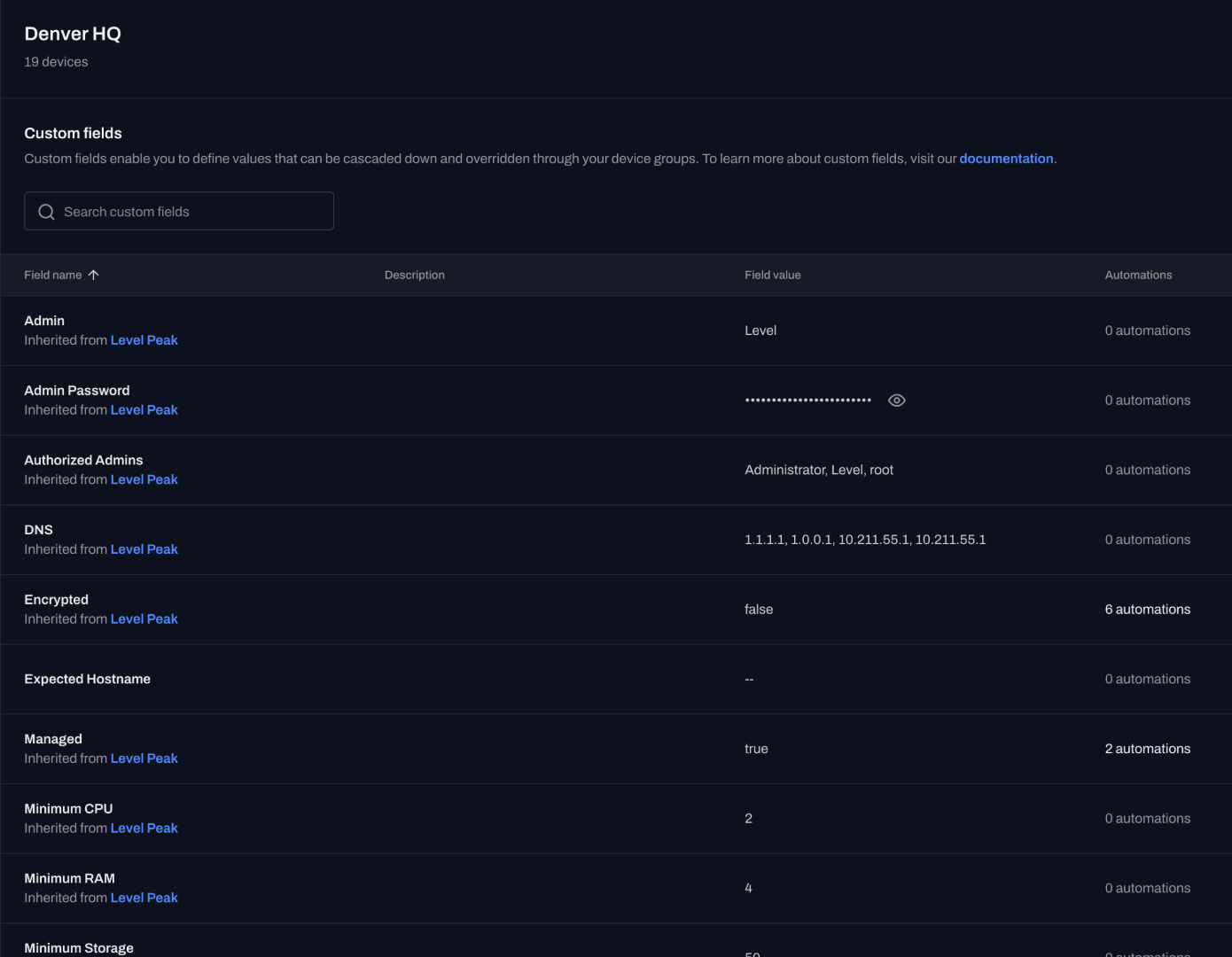
Install on a subset.
Enroll 10 to 20 devices with a scripted agent install and run Level beside your current tool. The first 10 are free.
Validate the workflows that matter.
Check visibility, start a remote session, apply a patch, run a script, and set one alert on real devices.
Expand by group.
Move clients or sites over in phases, and keep the old tool running until every group is on Level.
Validate the work before you commit.
Run this checklist on a handful of real devices.
Device visibility
Confirm inventory, status, and hardware detail update on their own.
Remote access
Start an in-browser session and run a background command.
Patching
Review available updates, then apply one from the Updates page.
Scripting
Run a PowerShell, Bash, or Python script across tagged devices.
Alerting
Set one monitor and confirm it routes where you expect.
Automation
Trigger a workflow from a schedule, alert, or webhook.
Migrations that finish, not stall.
This is what a phased switch looks like on Level.
“After migrating 600 devices to Level with their easy PowerShell install script, we have started to use Level RMM much more than our previous RMM. Level just works. New releases happen frequently. The roadmap is very exciting, and we can’t wait for the mobile app.”
Grissom TechCustomer testimonial “I’ve spent a lot of time looking for a good RMM, mainly with a focus on automation. I tried Atera for a while. It wasn’t terrible, but like many RMMs, it never really clicked for me. I also looked into NinjaOne, but the interface didn’t win me over, and their aggressive sales tactics were a major turn-off. I’ve always worked with Kaseya in the past, but let’s be honest, it’s overkill and messy for smaller MSPs. While testing a bunch of new tools, I gave Level a shot, and I’m glad I did. What stood out immediately was the onboarding. I had a brief call with the CEO, Jacob, who personally activated my account. Super chill, no hard sell. He just said, “Here’s your account, go test it out,” and that was it. Plus, the first 10 devices are free, no commitment needed, which is a breath of fresh air coming from the constant promos and sales pressure of other vendors. Now the product itself? Really satisfying to use. The automation features are simple yet powerful, and the UI is clean and intuitive. It’s exactly what I was looking for: an RMM, not an all-in-one PSA, ticketing, documentation, and billing platform that tries to do everything but excels at nothing. Thanks, Level.”
IIPoliIIr/msp · Reddit “We officially gave our notice to Ninja today. We’re moving to Level.io. I really recommend it.”
Anthony RMSP Heroes “Our school district faced limitations with our on-prem remote assistance solution. After extensive research, we considered four alternatives and chose Level for its user-friendly interface, pricing structure, and features.”
Trinity Basin PreparatorySchool district IT “I loved NinjaOne. It did everything I needed it to do. But with a relatively small number of endpoints, their pricing won’t make any sense. I would consider Level as a solution, especially with a small fleet.”
Comfortable-Bunch210r/msp · Reddit “I stand by my opinion they are the best straight-up RMM out there. If you need PSA that’s different, but RMM, they rock! We use them and it’s a solid platform.”
6two3r/msp · Reddit


- 600devices migrated in a single weekend
- 400+endpoints run by a 3-technician team
- 10devices free forever
Why doesn't Level chase software review awards?
Review volume can reflect campaigns and incentives. We would rather put that money into the product.
Read our stanceQuestions teams ask before switching.
Here is how migration, cost, and setup work.
Can I run Level alongside my current RMM?
Yes. Install Level on a subset of devices and keep your current tool running until you are ready to switch each group.
How long does a migration take?
It depends on fleet size and how many workflows you rebuild, but teams move in phases by client or site rather than all at once. One team migrated 600 devices in a single weekend.
What happens to my scripts and schedules?
You rebuild them as Level workflows and schedules, then run your PowerShell, Bash, and Python across tagged devices.
Is there a cost to evaluate Level during the switch?
No. The first 10 devices are free forever, so you can validate the workflows that matter before you commit.
Do I need to talk to sales to get started?
No. Signup is self-serve and pricing is public. Book a demo if you want a walkthrough, but you can start on your own. If you would like help getting started, we also offer a free 60 minute onboarding call with one of our engineers.
Book a free 60-minute callWill you import my scripts?
No. There is no one-click RMM migrator. Rebuild scripts and schedules as Level workflows. PowerShell, Bash, and Python still run across tagged devices.
Can I get help?
Yes. A free 60-minute onboarding call with an engineer is available. VIP onboarding is the paid 3-session package for teams that want a structured rollout.
VIP onboardingWhat about my PSA?
Keep it. Level is the RMM. Connect the published integrations, or read why Level stays focused.
Read why Level stays focusedStart your migration this week.
First 10 devices free. No annual commitment, and no sales call to get a price.