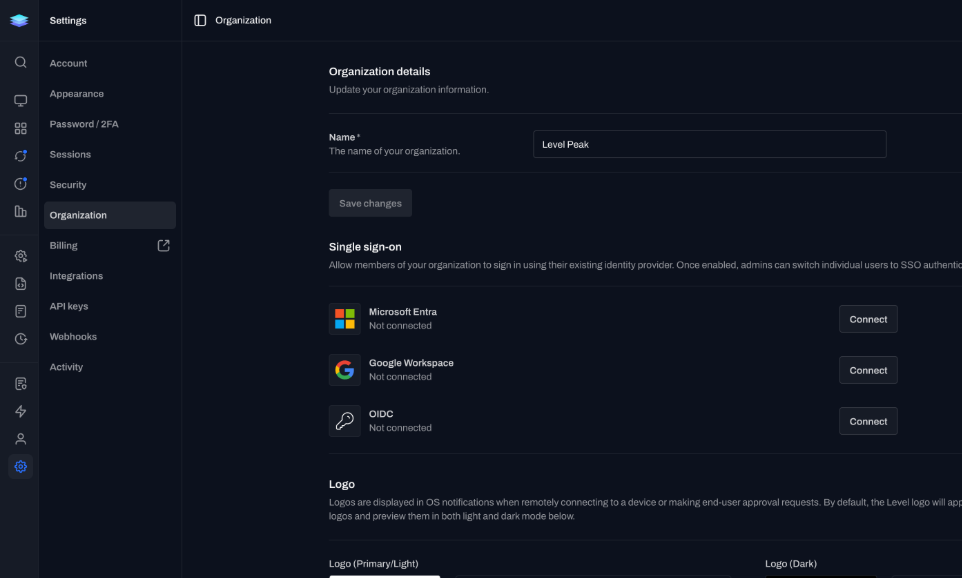
Sign on through your identity provider.
Connect Okta, Google, or Authentik so access follows the login policy your team already manages.
Control access, encrypt data, and keep the evidence a review needs. SOC 2 Type II.
Know which gaps to close first.
Roles, device scope, and network rules keep it enforced.
Custom roles and write protections control which accounts, devices, and settings each user can view or change.
Group-level access keeps each technician inside the clients, sites, or fleets they are responsible for.
IP allow and deny lists restrict access from networks that do not meet your security policy.
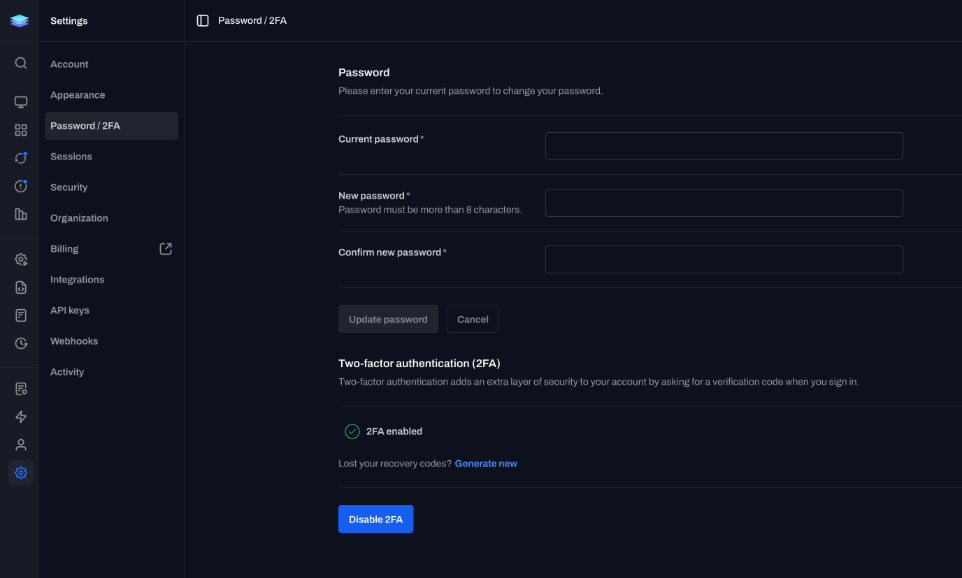
Require complex passwords and enforce account standards alongside two-factor authentication.
Every login method Level supports, enforced everywhere.
Connect Okta, Google, or Authentik so access follows the login policy your team already manages.
Add a second factor on any account, including admins and technicians.
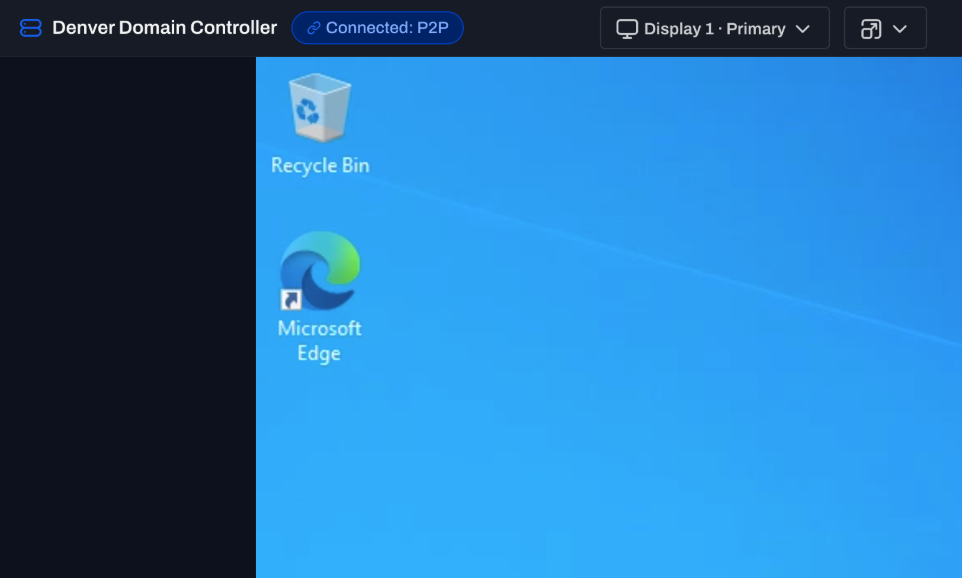
Session traffic uses a P2P connection when network conditions allow, and an end-to-end encrypted Level relay when they do not. Encrypted either way.
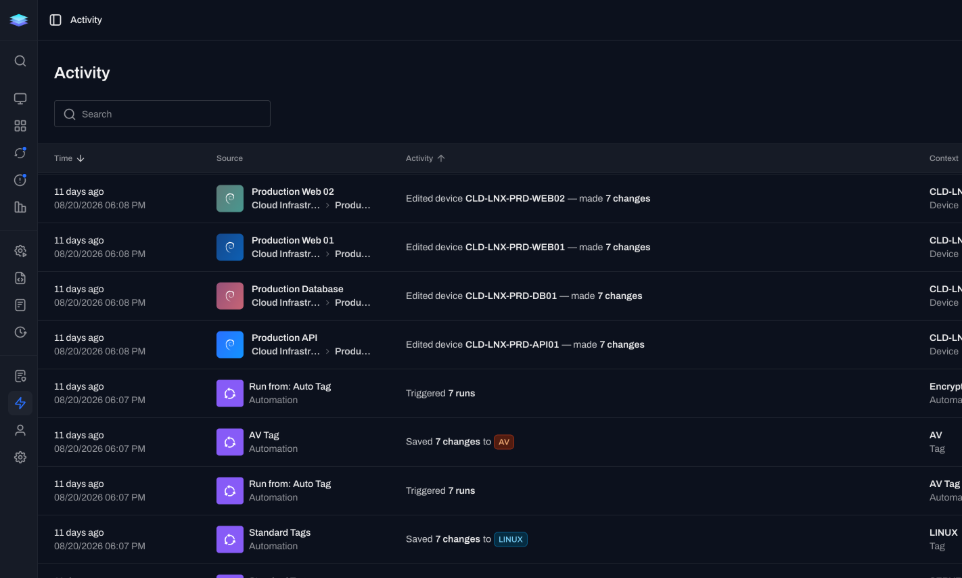
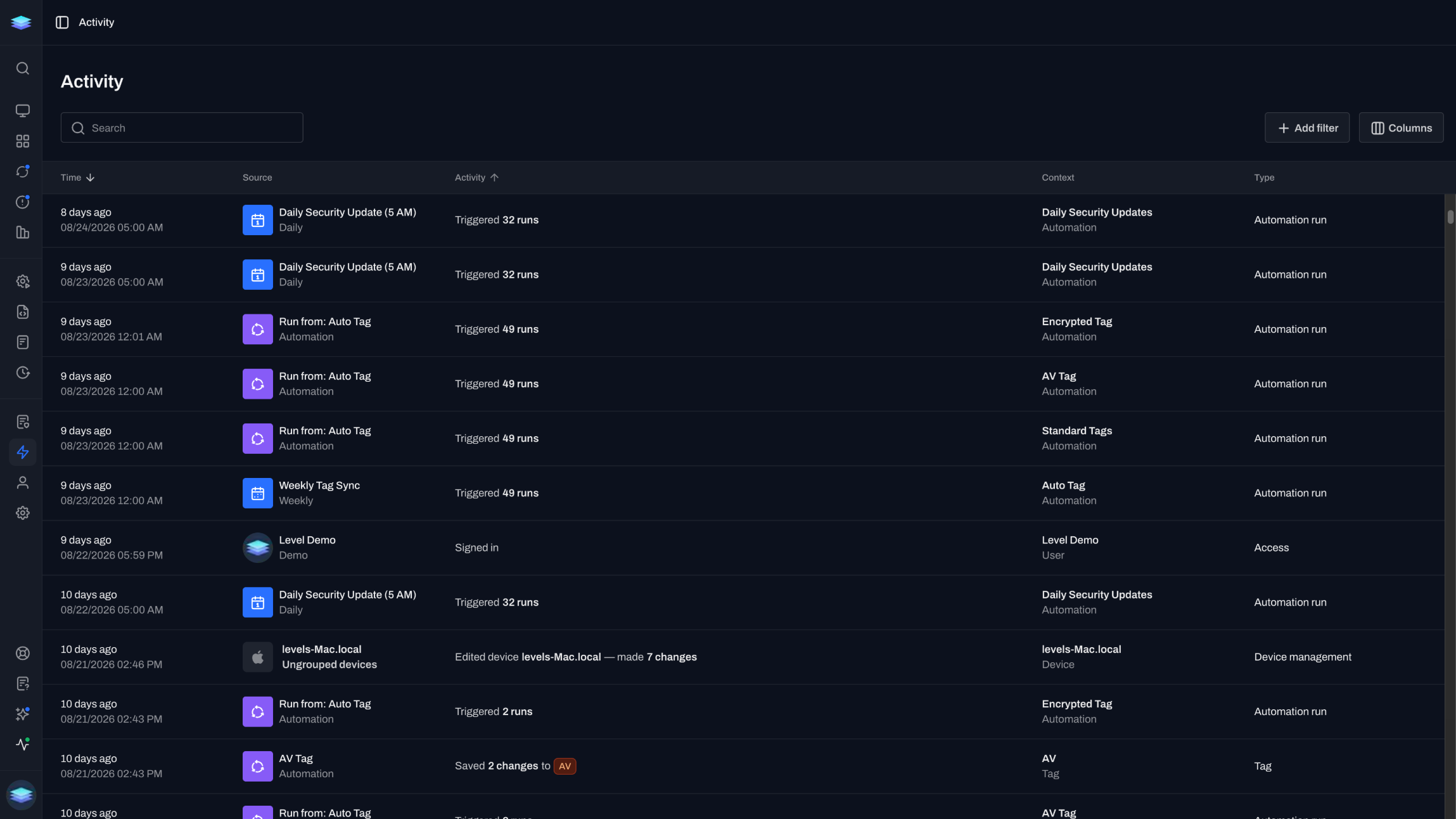
Activity logging records who signed in, what ran, and when, across your whole fleet.
Restrict infrastructure access and keep recovery within reach.
HTTPS and encrypted remote sessions protect data between browsers, services, and managed endpoints.
Identity and secrets controls restrict who can reach production systems and customer data.
Private addressing, firewalls, and traffic monitoring reduce exposed paths into Level infrastructure.
Customer data remains encrypted in production databases, server storage, and backups.
Level evaluates the vendors that process customer data and requires strong account security for staff.
Sign-ins, sessions, script runs, and configuration changes stay available for investigation and review.
Detect it early. Recover cleanly and explain what changed.
System metrics, traffic, and application logs feed alerts to engineers, with escalation when risk rises.
Versioned releases, backups, and rollback procedures keep recovery work deliberate when an incident occurs.
Status updates keep customers informed, and post-incident reviews turn each event into stronger controls.
Audited controls, available agreements, and certifications in progress make Level's current posture easy to understand.
Audited
In Progress
BAA Available
DPA Available
Small releases, review, testing, and rollback keep risk contained.
Changes start with the authentication, authorization, and data access they can affect.
Frequent, focused changes are easier to understand, test, review, and reverse.
Code moves forward only after another engineer has examined the implementation and its risk.
Automated checks and release validation catch regressions before they reach customer environments.
Version control and repeatable delivery make prior application versions available when needed.
Internal policies and developer training keep security part of day-to-day product decisions.
That boundary exists by design.
Remote control, background management, shells, scripts, and files must begin from an authorized Level account—not from standing staff access.
You explicitly grant temporary support access. Level personnel may act only through the authorized customer account, within the scope and duration you approve. Access expires automatically.
The Level agent may run as SYSTEM or root to do the work you request. That privilege does not give Level personnel standing access to your devices.
Server, database, log, and device-metadata access cannot be used to open endpoint sessions, shells, scripts, files, or controls.
Sessions use P2P when possible or an end-to-end encrypted Level relay. These sessions do not create persistent access for Level personnel. Level does not record remote-control sessions.
Standing staff access would require changes to the agent and security architecture. Level will provide reasonable notice if it introduces standing administrative access for Level personnel.
The questions security reviewers actually ask.
Yes. Level maintains a SOC 2 Type II report. Request it during your security review and we'll share it under NDA. Current compliance details are also available on our compliance page.
Yes. Email support@level.io to request a BAA. There are separate versions for internal IT and MSPs.
ISO certification is in progress. Email support@level.io for current status and documentation. Current compliance details are also on our compliance page.
No. Level shows antivirus, firewall, patch, and disk encryption status as posture signals. It does not replace the endpoint protection tools behind those signals.
Yes. Session traffic uses a P2P connection when network conditions allow, and an end-to-end encrypted Level relay when they do not. The session stays encrypted from the moment it opens until the technician disconnects.
No. Level employees do not have standing remote or administrative access to managed endpoints. Access to Level's servers, databases, or infrastructure does not provide the ability to remotely control an endpoint. A customer must explicitly grant temporary support access before Level personnel can access the customer's Level account and interact with devices through it.
Yes. Level supports SSO through Okta, Google, and Authentik, so access follows your existing identity provider.
Every session, script run, and configuration change is recorded in the activity log, so you can see who did what and when.
Yes. Role-based permissions and write protections control what each user can view or change, device groups scope the endpoints they can reach, and IP allow and deny lists restrict access by network.
Level encrypts customer data in transit and at rest, limits production access, and places private infrastructure behind firewalls and traffic monitoring. External providers are reviewed before they handle customer data.
Level combines account, authentication, billing, device, network, script, automation, command, and execution signals with cross-account correlations, abuse reports, automated analysis, and staff review. We look for compromised-account activity and patterns consistent with unauthorized remote-access-tool delivery or other prohibited use under the Abuse and Restricted Use Policy. Credible risk may trigger closer monitoring, an account review, restricted activity, suspension, evidence preservation, or reporting when required or permitted by law. This monitoring uses information processed by the Level platform and does not give Level personnel standing access to customer endpoints.
Monitoring and logs feed an escalation process, while versioned releases, backups, and rollback procedures support recovery. Level communicates material service events and reviews incidents afterward to strengthen the controls that failed.
Level ships focused changes through code review, automated checks, release validation, and version-controlled deployment. Internal policies and training keep security part of the engineering process.
Email security@level.io with the affected surface, steps to reproduce, and any supporting evidence. Our team will route the report for investigation.
Yes. SOC 2 controls, two-factor authentication, encrypted sessions, and activity logging apply to every plan, including your first 10 free devices.