A real terminal, running in the background.
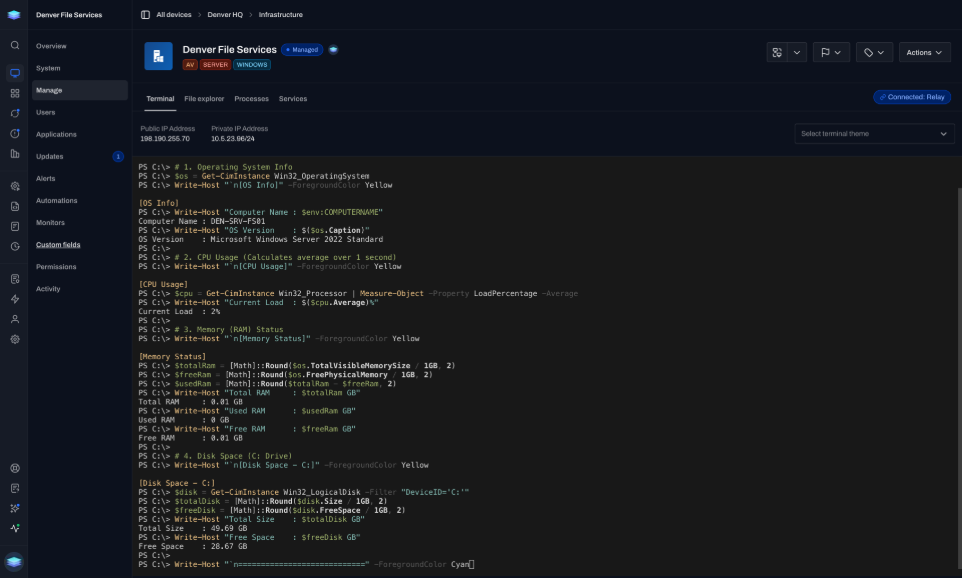
Execute commands in the device's native shell without opening a visible session.
Run commands, scripts, and file transfers in the background while the person at the keyboard keeps working, uninterrupted.
Open a background session without waiting on the end user.
The record shows what ran, when, and on which device.
The record shows what ran, when, and on which device.
See the command, script, or file transfer that ran after the work is done.
Use the timestamp to confirm when the work happened.
Tie the action back to the endpoint where it ran.
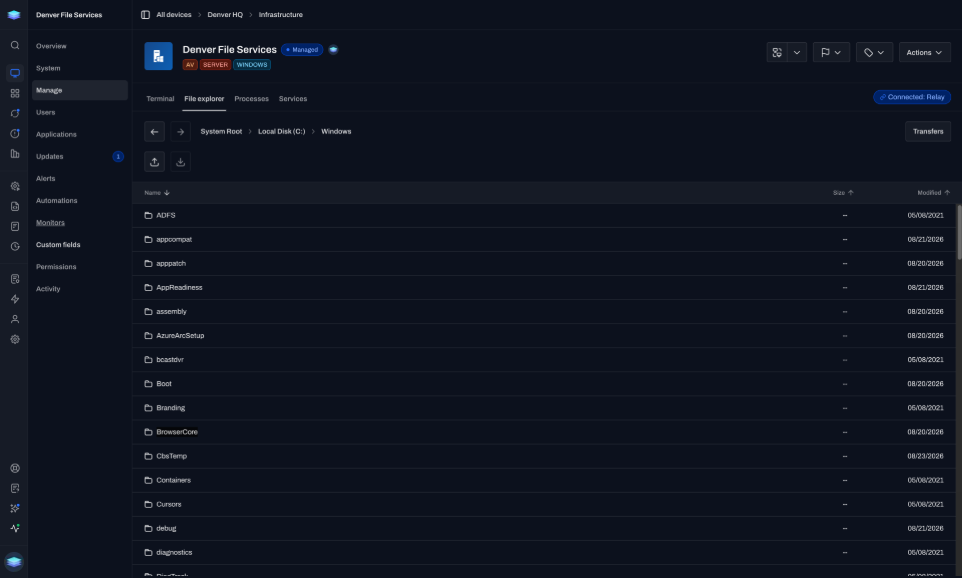
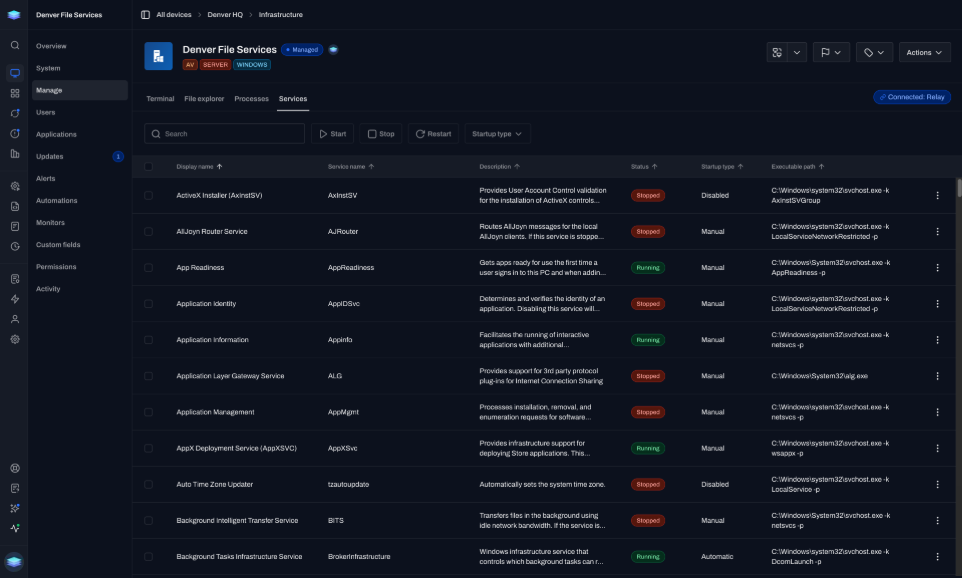
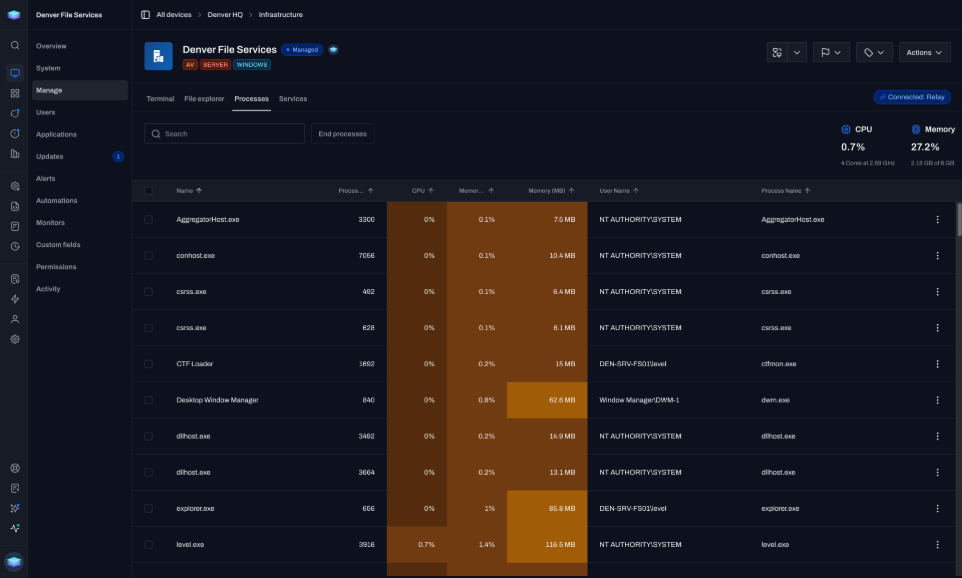
Terminal, files, services, and processes. The person at the keyboard never sees a session.
Execute commands in the device's native shell without opening a visible session.
Upload or download files from the browser while the person at the keyboard never sees a prompt.
“Level provides remote control, behind-the-glass support, patching, alerting, and scripting in a compact deployable agent.”
Exisor
IT team
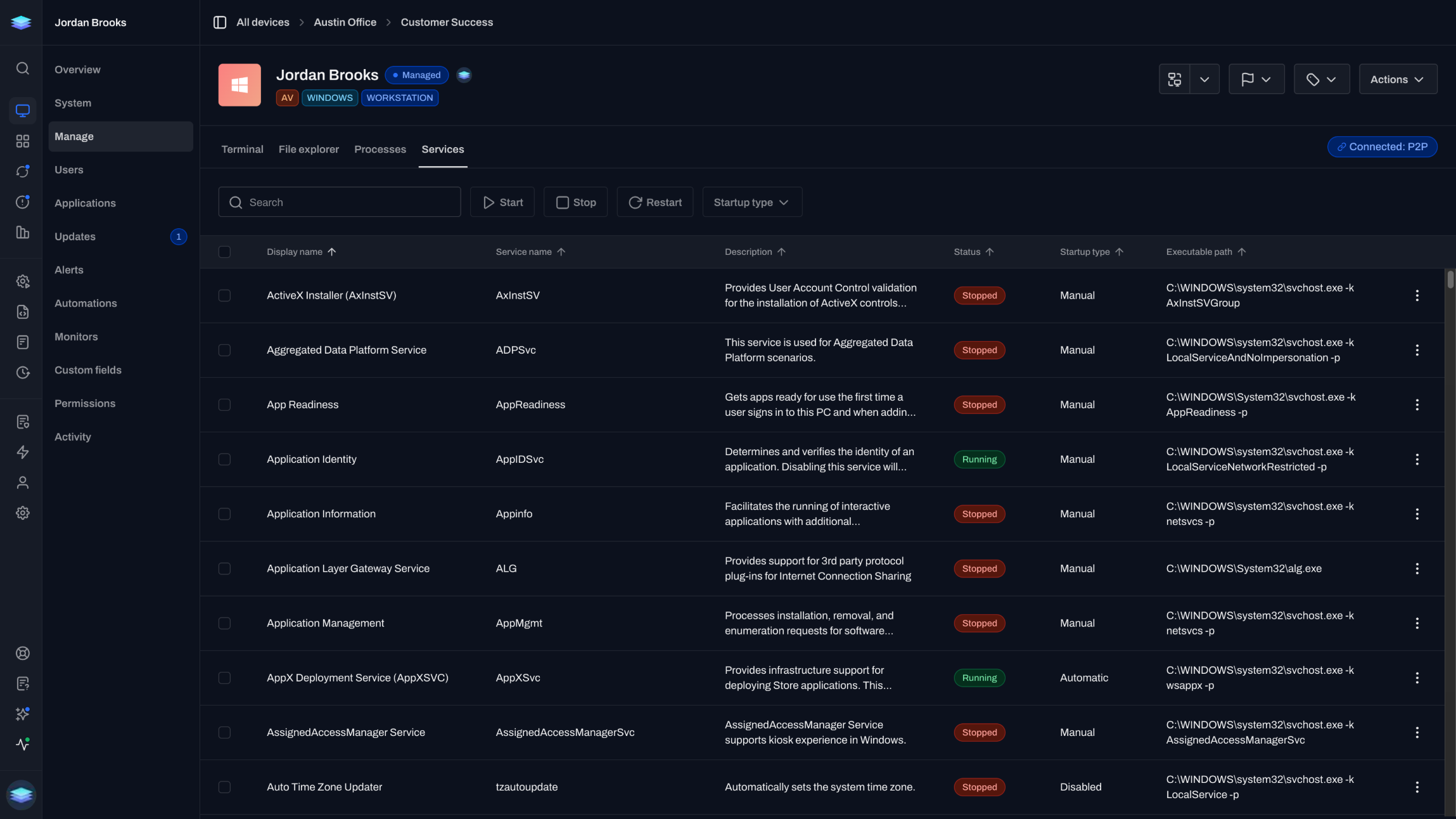
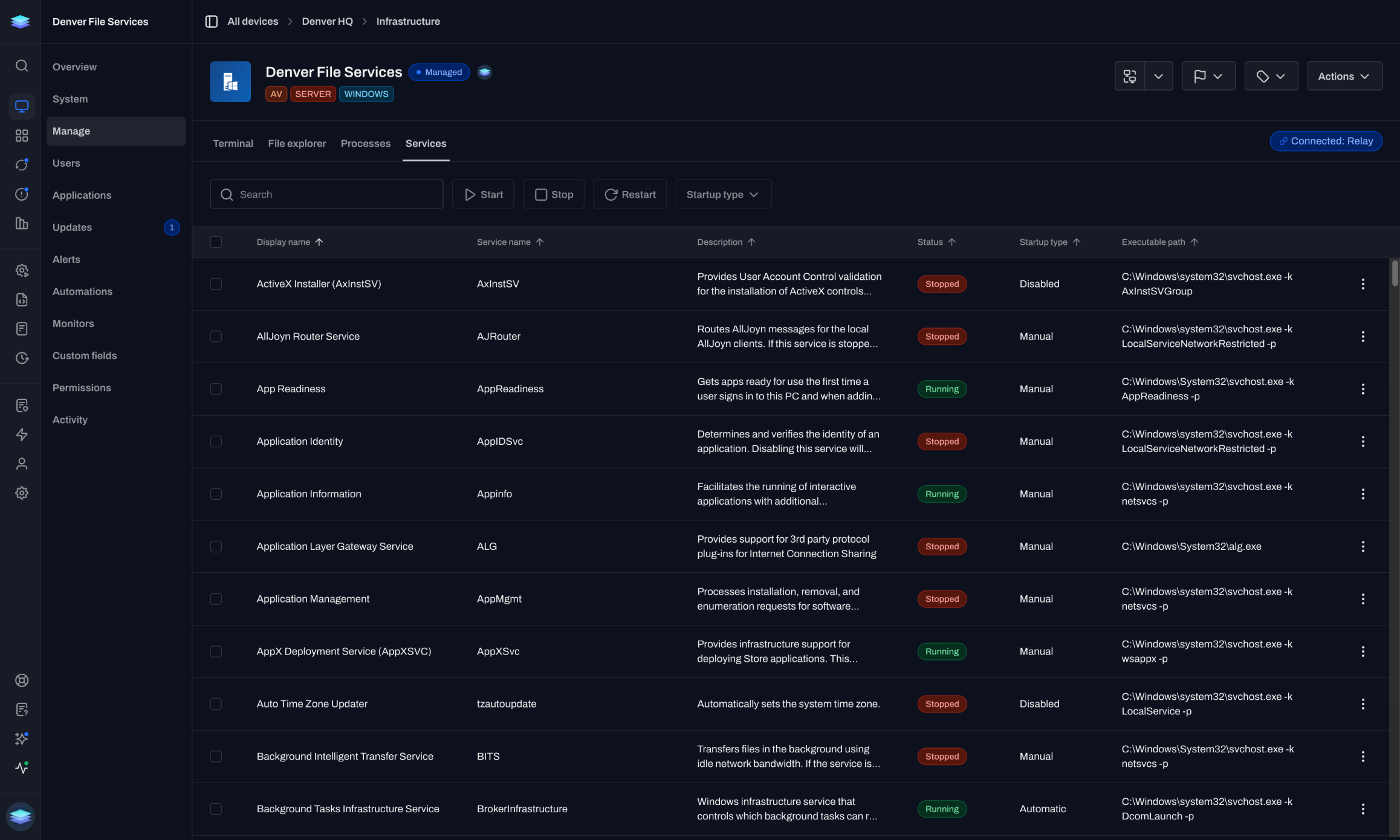
Control Windows, macOS, and Linux services and change their startup type without remote control.
Watch CPU and memory in real time and end a runaway process without taking the screen.
Saved scripts and automations run in the background too.
Run a saved script from the device Actions menu.
Chain the same work on a schedule or when something changes, without anyone opening a session.
Direct answers about visibility, platforms, scripts, and access.
No. Background management runs without touching their session. They will not see a prompt, a screen-share notification, or any interruption.
Remote control shares the screen so you can use the desktop. Background management is the Manage tab: terminal, file explorer, processes, and services, without taking the screen. Use background management for most routine work. Use remote control when you need to see or click the desktop.
Yes. Saved scripts run from the device Actions menu. Automations can run the same work on a schedule or when something changes. The terminal is an interactive shell, so it does not pull from the script library directly.
Yes. Terminal, file explorer, processes, and services all work across Windows, macOS, and Linux.
No. Sessions open in the browser over an encrypted peer-to-peer connection. A Level agent needs to be installed and online on the device.
The first 10 devices are free forever. No time limit.
Run routine support without interrupting the person at the keyboard.