

Remote work is now the default across many industries. IT teams are no longer responsible for systems confined to a single office. They now manage laptops, servers, and mobile devices spread across homes, coffee shops, co-working spaces, and international locations.
This shift has made remote IT management software essential. Keeping devices secure, compliant, and operational outside a traditional perimeter is no longer optional. It is a core requirement for modern IT operations.
This guide explains how remote IT management software works, the types of devices it supports, the best tools available today, and why cybersecurity for small and medium businesses depends heavily on centralized remote management platforms. We also cover device ownership models, implementation best practices, and how to choose the right solution.
What Is Remote IT Management Software?
Remote IT management software is a category of tools that allows IT teams to monitor, control, update, and secure endpoints from a single centralized dashboard. These endpoints can include laptops, desktops, servers, mobile devices, network equipment, and IoT systems.
Most platforms work by installing a lightweight agent or using secure APIs to connect each device to the management system. Once connected, IT administrators can:
- Enforce security and compliance policies
- Schedule automated updates and patching
- Monitor system performance and availability
- Remotely configure device settings
- Isolate compromised endpoints to prevent lateral movement
Modern remote IT management software often integrates with endpoint security tools, network monitoring platforms, configuration management systems, and automation engines to form a complete IT infrastructure management solution.
Devices You Can Manage with Remote IT Management Software
The scope of modern remote IT management extends far beyond office PCs. A capable platform should support:
- Laptops and desktops running Windows, macOS, and Linux
- Mobile devices including iOS, Android, and ChromeOS
- On-prem and cloud servers
- IoT devices such as cameras, sensors, and industrial controllers
- Point-of-sale systems in retail environments
- Printers and scanners that are often overlooked but vulnerable
- Firewalls, routers, and other network devices
Each device type requires different handling. Mobile devices need compliance enforcement and remote configuration. Servers require patch management and asset tracking. Network hardware benefits from discovery tools and configuration monitoring.
How Remote IT Management Software Works
Most platforms follow a similar lifecycle:
- Enrollment
Devices are onboarded using automated installers, directory integrations, or manual registration. - Configuration
IT teams apply standardized policies for access control, security settings, and compliance requirements. - Monitoring
Continuous monitoring detects performance issues, security anomalies, and availability problems. - Maintenance
Automated patching and updates keep operating systems and applications secure. - Remediation
When threats or failures are detected, automated or manual remediation is triggered.
Some remote IT management software uses peer-to-peer connectivity with encrypted protocols such as STUN, TURN, and ICE. This enables secure remote access without routing traffic through third-party relays, improving both performance and privacy.
Device Allocation Models to Support
Effective remote IT management software must support common device ownership frameworks:
- COBO (Corporate-Owned, Business-Only)
Strict control with no personal use. - COPE (Corporate-Owned, Personally Enabled)
Company devices with limited personal access. - BYOD (Bring Your Own Device)
Flexible and cost-effective, but higher security risk. - CYOD (Choose Your Own Device)
Employees select from a pre-approved device list.
Each model requires automated onboarding, policy enforcement, and clear compliance controls to maintain security in SMB environments.
Why Remote IT Management Software Matters for SMBs
Small and medium businesses are frequent targets for cyberattacks. The belief that smaller organizations are not worth attacking is a common and dangerous misconception.
Remote endpoints increase exposure to phishing, unpatched systems, and misconfigured access controls. Without centralized visibility, these risks compound quickly.
With remote IT management software, SMBs can:
- Enforce VPN and access requirements
- Deploy malware protection instantly
- Manage the full device lifecycle remotely
- Apply consistent security policies across all endpoints
Centralized management dramatically reduces response time and limits the impact of security incidents.
Key Features of the Best Remote Device Management Tools
When comparing the best remote device management tools, look for these essentials:
- Centralized Dashboard – Manage all devices from one location.
- Remote Access Without Middleman – Direct peer-to-peer connections for security and performance.
- Patch Management – Automated OS and app updates to maintain compliance.
- Automation Tools – Leverage IT automation tools and software deployment automation for bulk tasks.
- Asset Inventory – Full IT inventory management to track hardware and software.
- Real-Time Monitoring – Built-in system performance monitoring to catch issues early.
- Security and Compliance Controls – Includes encryption, access logging, and port restrictions.
Top 7 Remote Device Management Tools in 2025
If you’re evaluating options, here are some of the best remote device management tools and network security management platforms available in 2025:
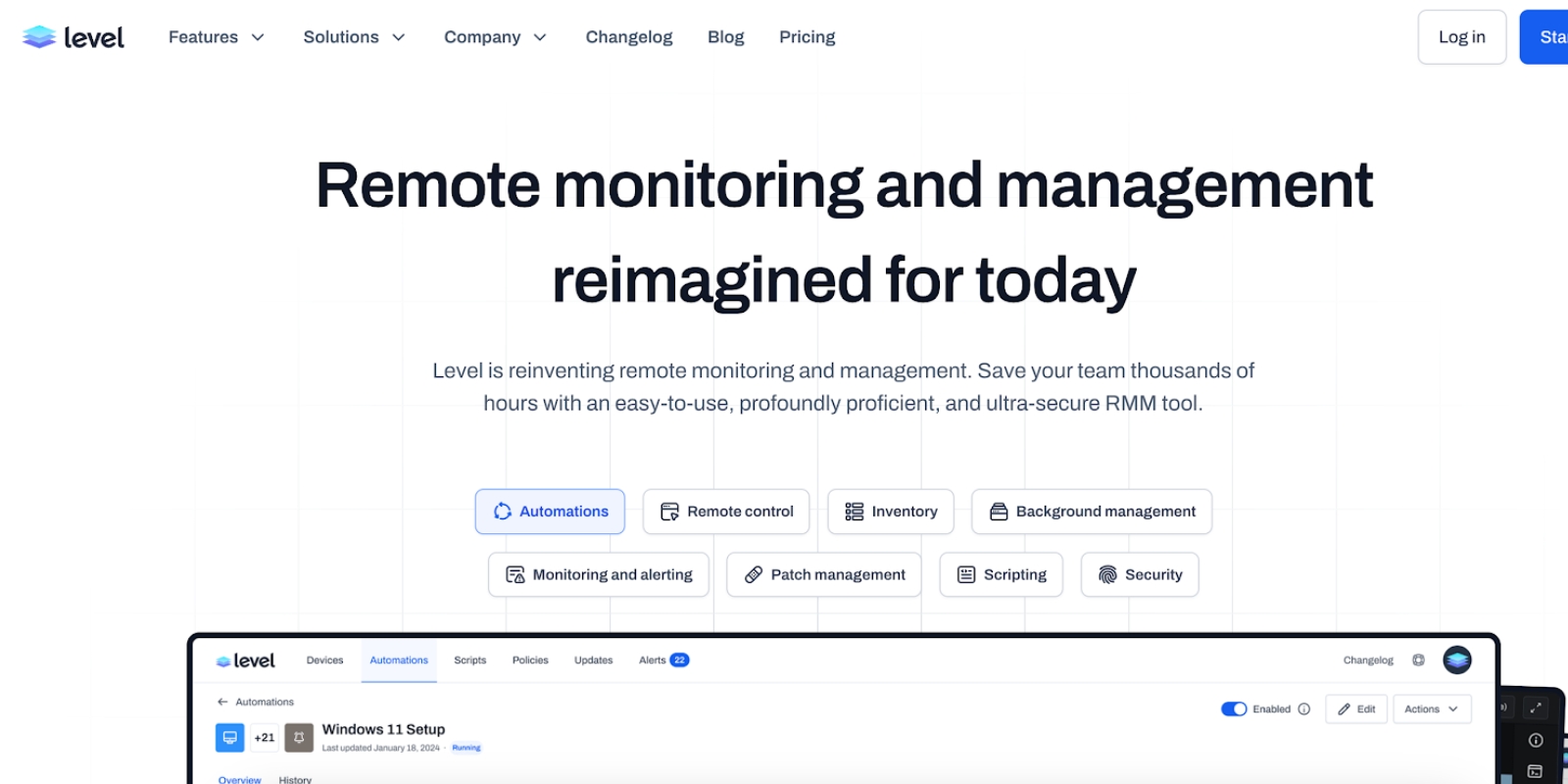
1. Level
A modern RMM built for simplicity, direct peer-to-peer connections, patch management, and asset tracking. Transparent pricing, great for SMBs and MSPs.
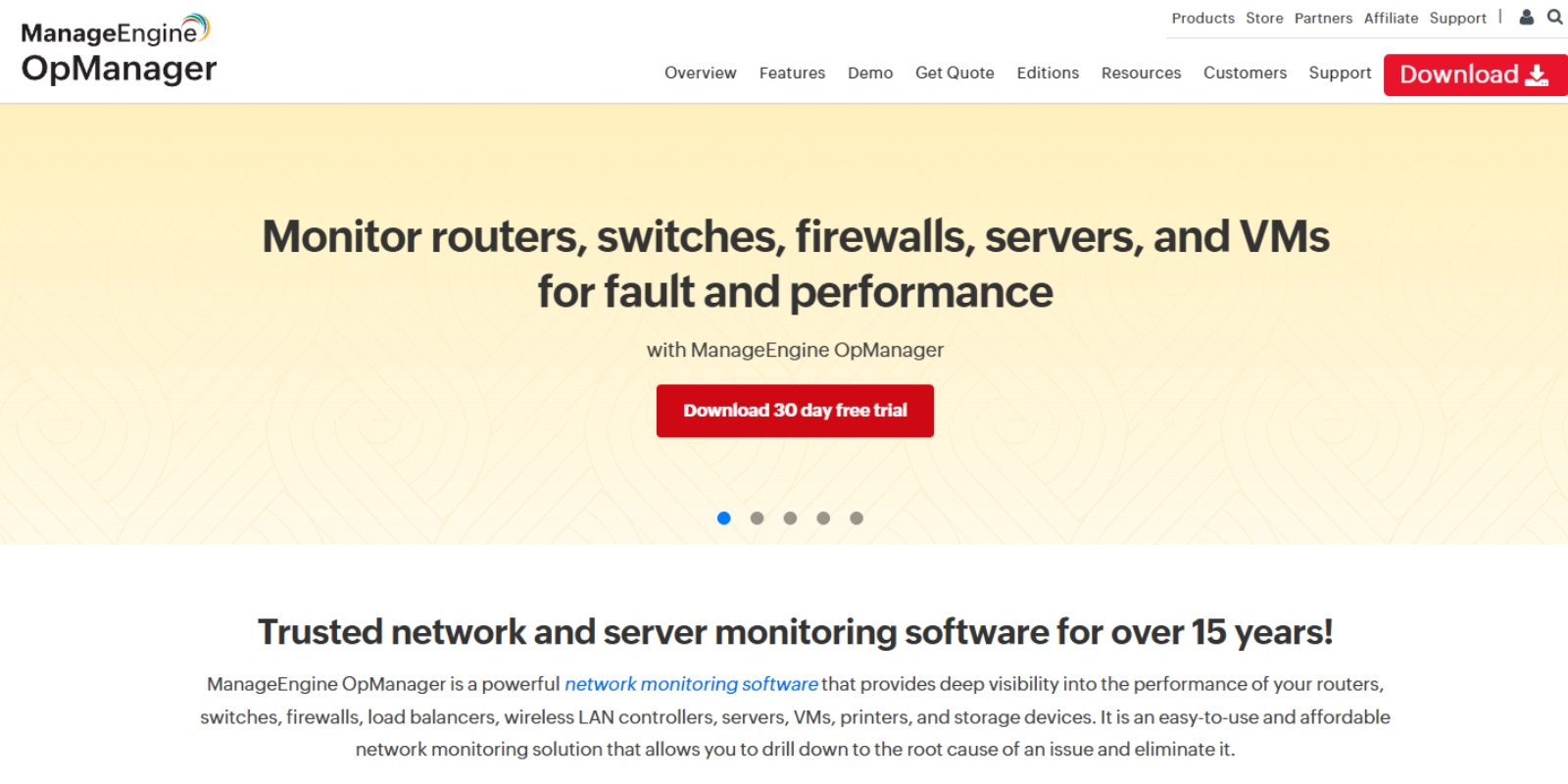
2. ManageEngine OpManager
Full-featured network monitoring and configuration management tools for enterprise IT teams.
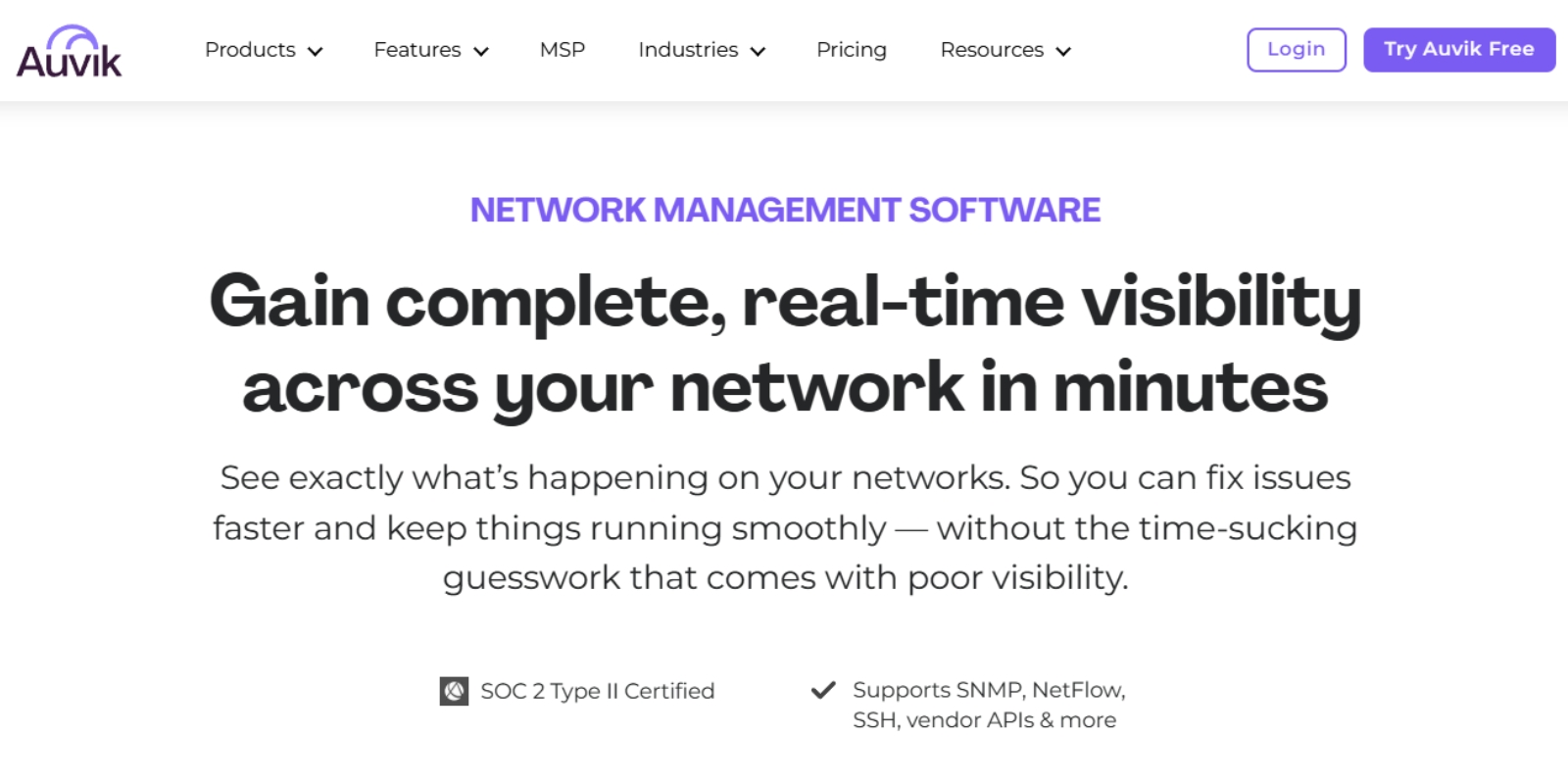
3. Auvik
Cloud-based platform with real-time network monitoring and alerting tools plus automated mapping.
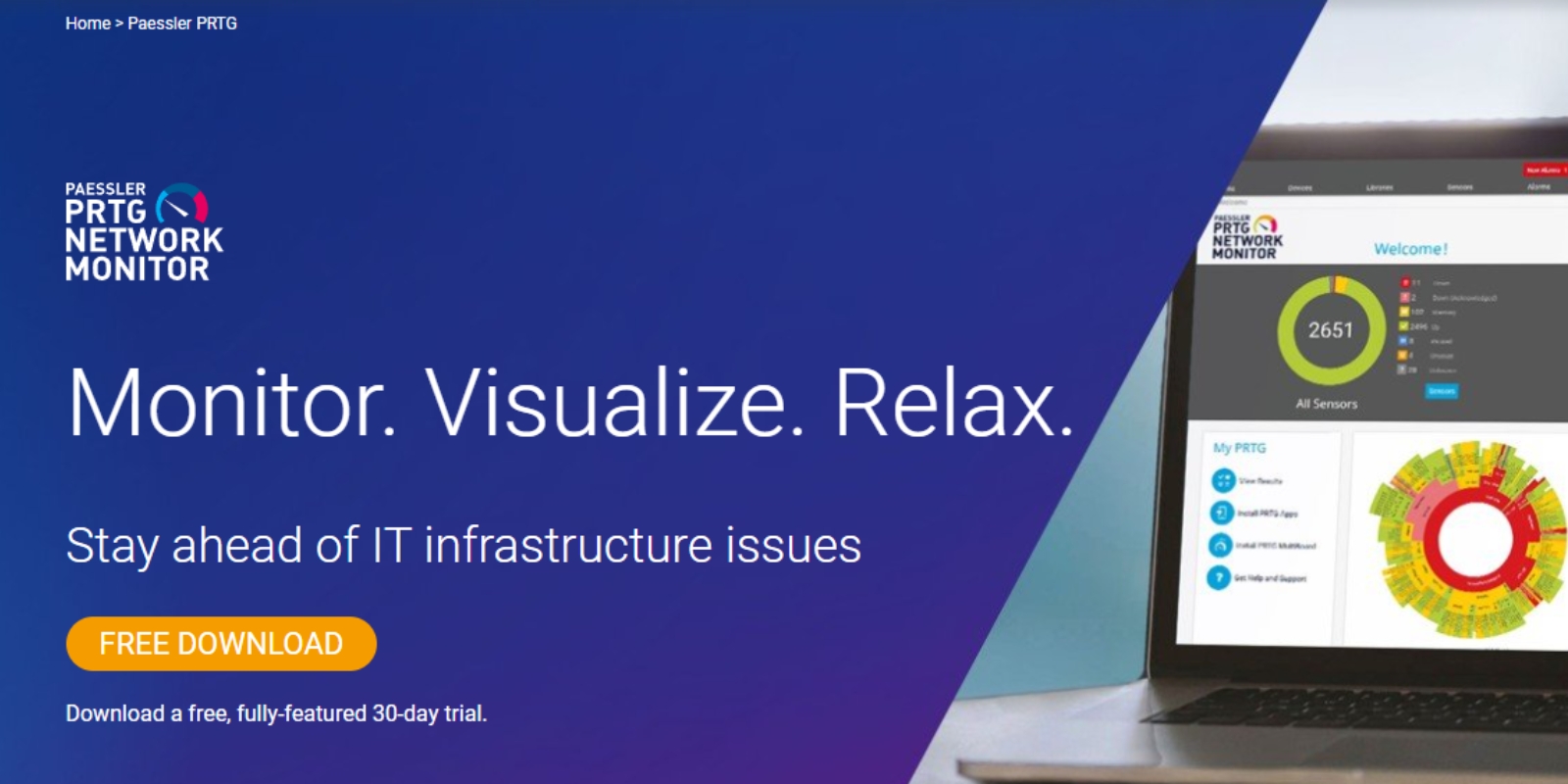
4. Paessler PRTG
All-in-one monitoring with network discovery tools, custom dashboards, and automated alerts.
5. OpenNMS Meridian
Open-source and highly customizable, ideal for complex network environments.
6. Atera
MSP-friendly platform combining RMM, helpdesk, and software deployment automation.
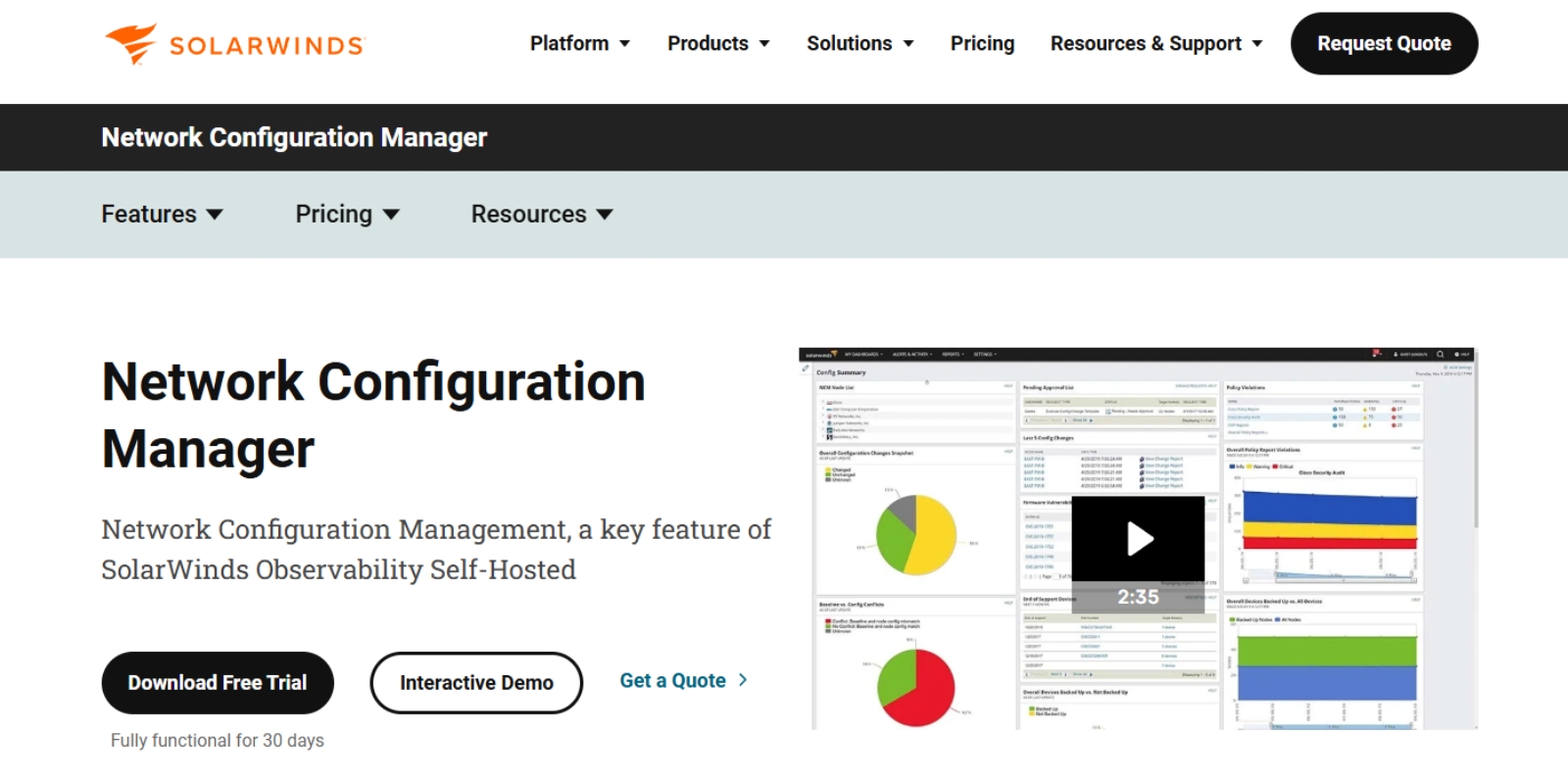
7. SolarWinds Network Configuration Manager
Strong compliance auditing, configuration management tools, and data breach prevention features for multi-vendor networks.
Benefits of Remote Device Management
The advantages of using endpoint security and asset lifecycle management platforms are significant:
- Reduce Downtime – Quicker fixes with remote troubleshooting and proactive alerts.
- Boost Security – Improved endpoint security and encryption.
- Lower Costs – Reduced on-site visits through business process automation.
- Improve Efficiency – Workload automation frees IT from repetitive tasks.
- Achieve Scalability – Support for thousands of devices without sacrificing control.
- Enhance SMB Device Security Best Practices – Enforce device compliance policies automatically.
Ready to see how a modern remote device management system can transform your IT operations? Start your free trial of Level today.
How to Choose Remote Device Management Software
If you’re deciding how to choose remote device management tools, use this checklist:
- Supports multi-platform environments (Windows, macOS, Linux, mobile, IoT devices)
- Includes network discovery tools for visibility
- Handles remote management for COBO and BYOD
- Offers features of remote device management tools that match your needs
- Enables you to monitor and manage devices from anywhere
- Has transparent pricing and a trial option
For SMBs, the best remote management tool combines these features with ease of use and reliable support.
Practical Use Cases
- Healthcare IT – Manage hospital tablets, medical devices, and maintain HIPAA compliance.
- Retail – Use automated updates for POS systems, manage firewalls and routers, and maintain uptime.
- Remote Workforce – Deploy VPN access, enable endpoint monitoring, and provide secure file transfers.
Security Considerations
A robust RDMS should protect against:
- Phishing attacks by restricting suspicious access
- Data breach prevention via encryption
- Security compliance failures through automated checks
- Automated updates to close vulnerabilities quickly
FAQ: Remote Device Management
Q: What’s the difference between network device management and remote device management?
A: Network device management focuses on routers, switches, and firewalls, while remote device management covers all endpoint devices including laptops, servers, and IoT systems.
Q: Can an RDMS manage devices I don’t own?
A: Yes, with BYOD policies in place, but you must have device compliance agreements with users.
Q: Is peer-to-peer remote access secure?
A: Yes, when using encrypted protocols like STUN / TURN / ICE, it can be more secure and faster than relay-based access.
Final Thoughts
The value of remote IT management software is clear. It provides centralized control, improved security, and operational efficiency in a world where devices are everywhere.
Whether you are securing endpoints, managing remote infrastructure, or enforcing compliance across a distributed workforce, the right platform will simplify IT operations and reduce risk at scale.