Remote control for Linux
Remote control for Linux, built for real desktops.
Open an encrypted Linux desktop session from your browser across supported Wayland and X11 environments. No VPN or separate viewer.
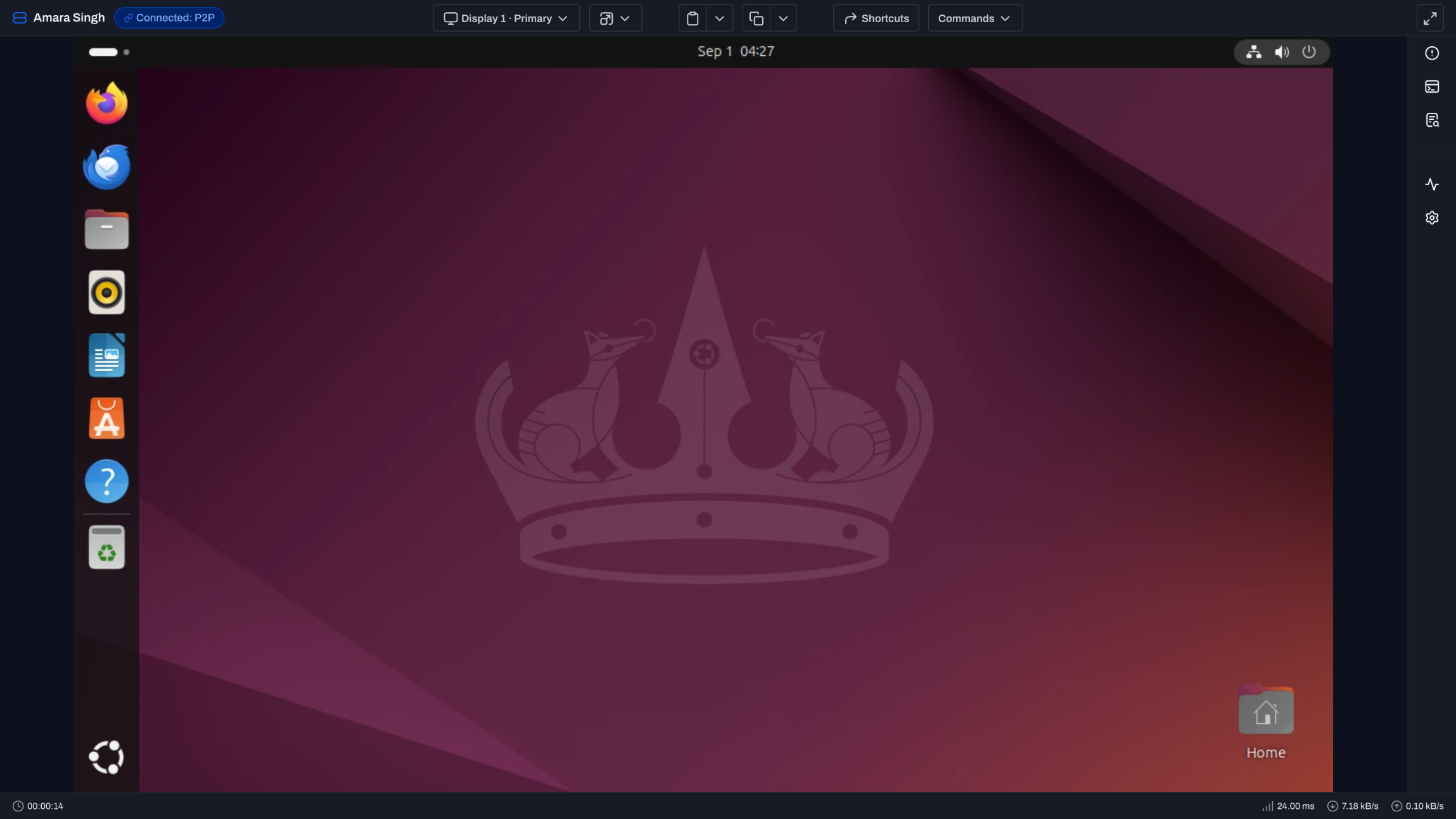
Connect to the desktop that is actually running.
Level detects the display path and attaches to the active graphical session.
Wayland, without the guesswork.
Level supports tested GNOME, KDE Plasma, COSMIC, Sway, and Hyprland environments.
X11 across desktop environments.
X11 and Xorg sessions work across the desktop environments used by supported Linux devices.
Reach the graphical login screen.
A user does not need to be signed in. Level can attach when a graphical display manager is running.
Run on x86-64 and ARM64.
Use the same browser session model across supported workstation and edge architectures.
Desktop when there is one. Background tools when there is not.
Choose the path that fits the Linux device in front of you.
Control graphical Linux devices.
Use remote control for live Wayland or X11 desktops, including graphical login screens.
Manage headless devices in the background.
Open Terminal, File Explorer, Processes, and Services when there is no graphical session.
Follow session changes.
Stay attached as a user signs in, signs out, or switches accounts on the graphical device.
The distribution is only part of the answer.
Display server and desktop environment determine remote desktop support.
Wayland and X11.
Level tries the supported Wayland path first and falls back to X11 when that is what the device runs.
Multi-monitor sessions.
Use the Display menu to move between monitors across supported Linux desktops.
Clipboard across environments.
Send and retrieve clipboard content across supported X11 and Wayland sessions.
Encrypted from browser to device.
Level prefers a direct P2P connection and uses an end-to-end encrypted relay when required.
Same browser workflow. Three operating systems.
Choose another platform or use background tools without taking the screen.
Linux remote control, answered.
Wayland, X11, distributions, login screens, and headless systems.
Which Linux distributions support remote control?
Remote control support depends on the display server and desktop environment, not only the distribution. Level supports tested Wayland environments and X11 across desktop environments on supported Linux devices.
Does Level remote control support Wayland?
Yes. Level supports GNOME, KDE Plasma, COSMIC, Sway, and Hyprland on Wayland. Screen capture can vary on less common compositors, where Xorg may be the practical fallback.
Can I connect before a Linux user signs in?
Yes, as long as a supported graphical login screen is running. Level attaches to the active graphical session and follows it through sign-in or user switching.
Can I remote control a headless Linux server?
A full remote desktop needs a running graphical session. For a headless or text-only server, use Level background management to open the terminal, files, processes, and services from the browser.
Does Linux remote control support ARM64 and multiple monitors?
Yes. Linux remote control supports x86-64 and ARM64 devices, and the session toolbar can switch between monitors when the device exposes more than one display.
Reach the next Linux desktop from your browser.
Deploy the Level agent and open an encrypted session. First 10 devices free.