
What Is an RMM Migration?
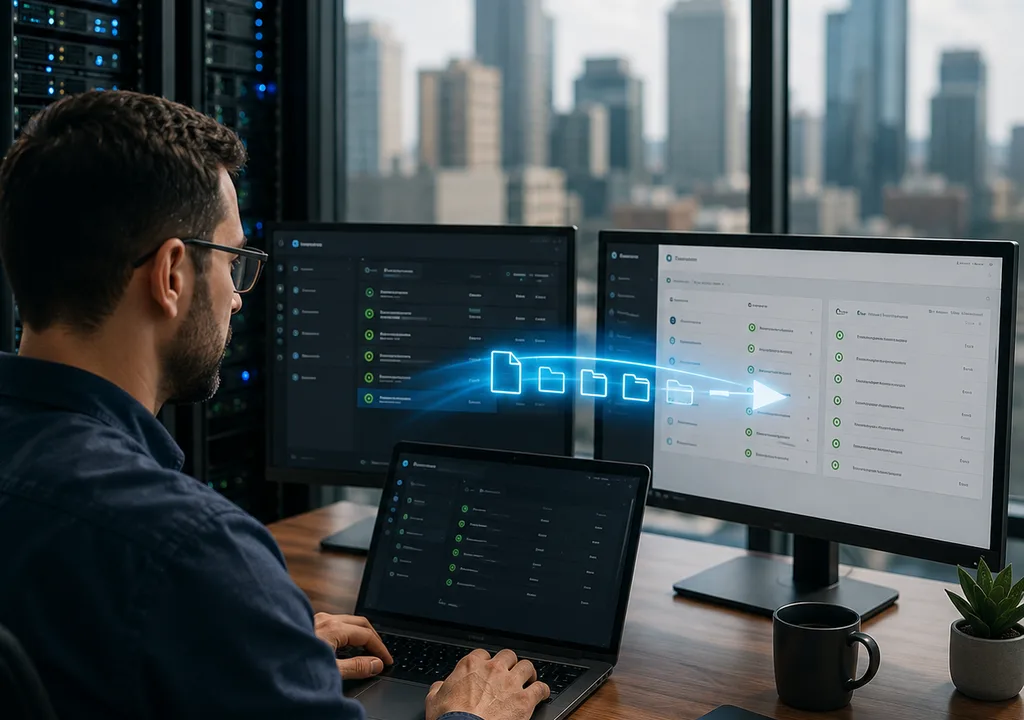
An RMM migration is the process of moving from one remote monitoring and management platform to another while maintaining visibility, control, and system stability.
If you are comparing solutions, review RMM Software: What It Is, How It Works, and How to Choose before making a transition.
Why RMM Migrations Are Risky
RMM platforms sit at the center of IT operations. A poorly managed migration can result in:
- Loss of monitoring visibility
- Duplicate or missing alerts
- Endpoint disruptions
- Security gaps
A structured migration plan minimizes these risks.
The 8-Step RMM Migration Process
1. Create a Migration Plan
Define:
- Timeline
- Critical systems
- Success criteria
Planning reduces uncertainty and risk.
2. Audit Your Current Setup
Document:
- Scripts and automations
- Alert configurations
- Patch policies
This ensures nothing important is lost.
3. Deploy the New RMM in Parallel
Run both systems at the same time:
- Install new agents
- Configure monitoring
- Validate performance
Parallel deployment prevents blind spots.
4. Start with a Pilot Group
Select:
- Non-critical devices
- Internal IT systems
Testing on a small group allows safe adjustments.
5. Rebuild Automation and Policies
Transfer:
- Scripts
- Alerts
- Maintenance workflows
Consistency ensures smooth operations.
6. Validate Monitoring Coverage
Confirm:
- All endpoints report correctly
- Alerts trigger properly
- Remote access works
This step ensures full visibility.
7. Roll Out Gradually
Expand deployment in stages:
- By department
- By location
Gradual rollout minimizes disruption.
8. Decommission the Old System
Once stable:
- Remove old agents
- Disable alerts
- Archive data
Avoid running overlapping systems long-term.
How Level Supports Seamless Migration
Level enables smooth transitions with:
- Fast and flexible agent deployment
- Cross-platform automation
- Real-time monitoring validation
This helps IT teams maintain continuity during migration.
Key Takeaways
- Always run systems in parallel during migration
- Test before scaling
- Gradual rollout reduces risk
- Proper documentation prevents data loss
FAQ: RMM Migration
Can you run two RMM tools at the same time?
Yes, and it is recommended during migration.
What is the biggest migration risk?
Losing monitoring coverage on critical systems.
How long does migration take?
Typically between 2 and 8 weeks.