
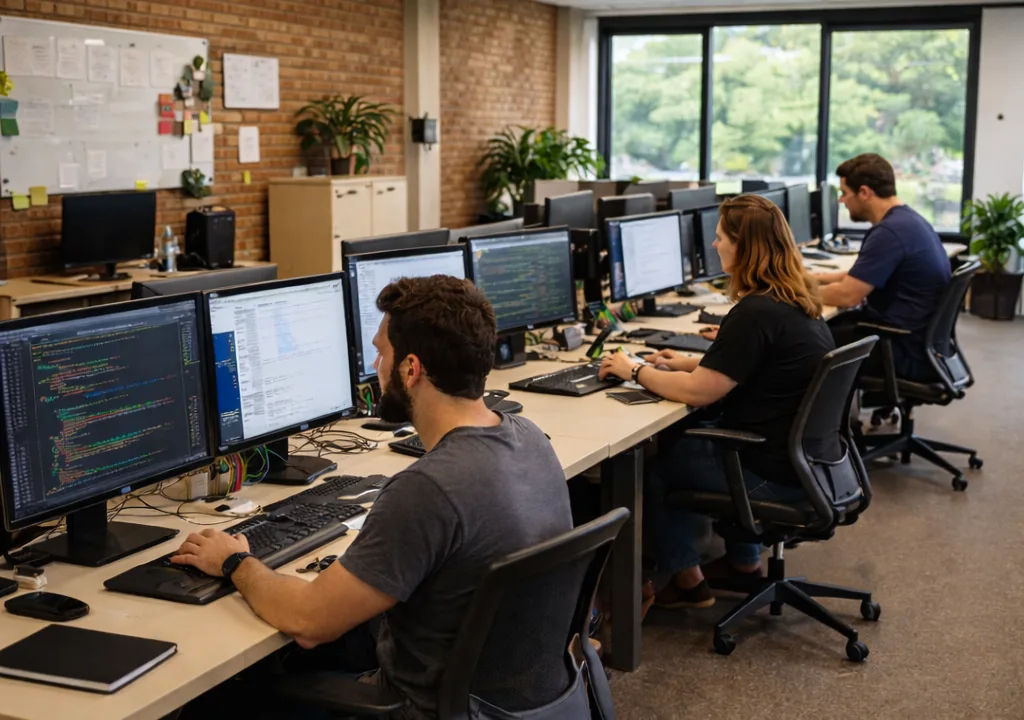
RMM software works by installing agents on devices that collect system data and send it to a centralized platform. The platform monitors performance, triggers alerts, and executes automated actions or remote commands, allowing IT teams to manage systems without being physically present.
What is the basic process behind RMM software?
RMM operates through a continuous loop of data collection, analysis, and action.
In simple terms:
- Devices report their status
- The system analyzes that data
- Actions are triggered when needed
This allows IT teams to monitor and manage environments in real time.
What are the core components of RMM software?
RMM software relies on several key components working together:
1. Agents
Agents are lightweight programs installed on endpoints.
They:
- Collect system and performance data
- Monitor device health
- Communicate with the central platform
2. Centralized platform
This is the control center where IT teams manage everything.
It:
- Receives data from all devices
- Displays system status and alerts
- Allows remote access and control
- Executes automation workflows
3. Monitoring system
The monitoring system tracks device activity continuously.
It checks:
- CPU, memory, and disk usage
- Service and application status
- Network performance
When thresholds are exceeded, alerts are triggered.
4. Automation engine
The automation engine executes predefined workflows.
Examples:
- Restarting services
- Deploying updates
- Running scripts
Automation reduces the need for manual intervention.
How does data flow in an RMM system?
RMM software follows a structured data flow:
- Agents collect data from endpoints
- Data is sent to the central platform
- The system analyzes the data in real time
- Alerts or actions are triggered based on rules
- IT teams can intervene remotely if needed
This cycle runs continuously to maintain system health.
How does RMM detect and respond to issues?
RMM uses thresholds and conditions to identify problems.
Example:
- CPU usage exceeds defined limit
- System detects abnormal behavior
- Alert is triggered
- Automation runs a corrective script
- IT team is notified if the issue persists
This enables fast and consistent responses.
How does automation work within RMM?
Automation is a core part of how RMM operates.
Workflows are built using:
- Triggers (events or schedules)
- Conditions (rules for execution)
- Actions (tasks to perform)
Example workflow:
- Trigger: Device offline
- Action: Attempt reconnection
- Follow-up: Send alert if unsuccessful
Automation allows tasks to run without manual input.
How does remote access work in RMM?
RMM platforms provide secure remote access to devices.
This allows IT teams to:
- Troubleshoot issues directly
- Configure systems remotely
- Perform maintenance without physical access
Remote access is integrated into the platform, enabling quick intervention when needed.
How does RMM support large-scale environments?
RMM is designed to manage many devices at once.
It allows IT teams to:
- Monitor all endpoints from one dashboard
- Apply actions across multiple devices simultaneously
- Maintain consistent configurations
This makes it possible to manage large environments efficiently.
What is a real-world example of how RMM works?
Example:
- A device reports low disk space
- RMM detects the issue automatically
- Cleanup script is triggered
- Disk space is freed
- Alert is sent only if the issue remains
This process happens without manual monitoring.
How do modern RMM platforms improve this process?
Modern RMM platforms streamline how these components work together.
They offer:
- Cloud-based infrastructure
- Faster data processing
- Simplified automation workflows
- Centralized visibility
Some platforms, like Level, integrate monitoring, automation, and endpoint management into a unified system, making it easier to manage and scale IT operations.
What are the limitations of how RMM works?
While effective, RMM has some limitations:
- Requires proper configuration to work correctly
- Relies on agents being installed and active
- Poorly defined automation can cause issues
These can be managed with proper setup and monitoring.
Summary
RMM software works by using agents to collect data from devices, sending that data to a centralized platform, and triggering alerts or automated actions based on predefined rules. This allows IT teams to monitor, manage, and maintain systems remotely and at scale.
By combining monitoring, automation, and remote access, RMM enables efficient and proactive IT operations.
Sources
- Microsoft Learn, “Remote Monitoring and Management Overview” https://learn.microsoft.com
- IBM, “What is IT Automation?” https://www.ibm.com/topics/automation
- Red Hat, “IT Automation and Monitoring” https://www.redhat.com/en/topics/automation