
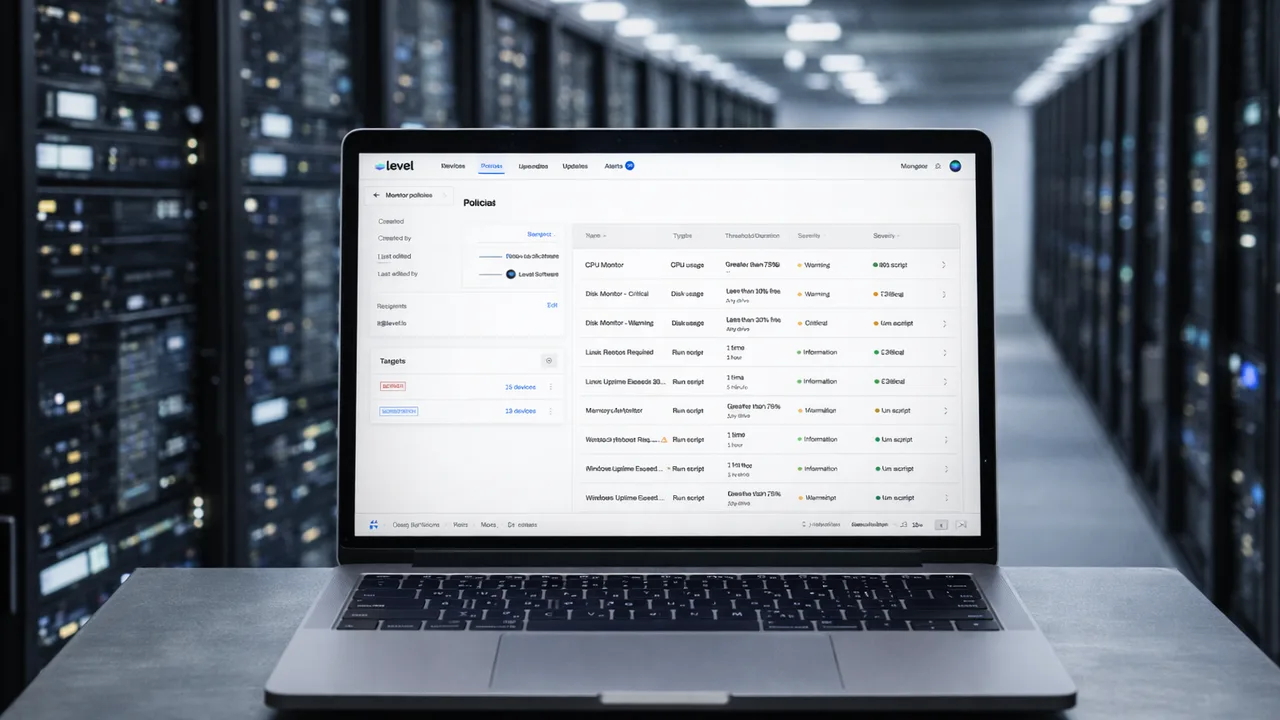
Endpoint management software provides centralized control over devices by enabling IT teams to monitor, secure, update, and automate endpoints from a single platform. Its key features focus on visibility, automation, security, and remote management to maintain consistency and performance at scale.
What are the key features of endpoint management software?
Endpoint management software typically includes a set of core capabilities designed to manage devices efficiently.
These features allow IT teams to maintain control, reduce manual work, and improve security across all endpoints.
Remote monitoring and visibility
One of the most important features is real-time monitoring of devices.
It allows IT teams to:
- Track system performance and health
- Monitor uptime and availability
- Receive alerts for issues or failures
- Gain visibility into all connected devices
This ensures problems can be detected early.
Patch management and updates
Endpoint management software enables centralized deployment of updates.
Key capabilities include:
- Scheduling and automating patch deployment
- Ensuring devices stay updated with security fixes
- Reporting update status across endpoints
- Reducing vulnerabilities caused by outdated software
This keeps systems secure and stable.
Automation and scripting
Automation reduces repetitive manual tasks.
Common features include:
- Running scripts across multiple devices
- Automating maintenance tasks
- Triggering actions based on conditions or alerts
- Standardizing processes across endpoints
This improves efficiency and consistency.
Remote access and control
Remote management allows IT teams to interact with devices without being physically present.
It includes:
- Remote desktop access
- Command-line execution
- File transfer capabilities
- Troubleshooting and support tools
This is critical for distributed and remote environments.
Security policy enforcement
Endpoint management software enforces security configurations across devices.
Features often include:
- Policy-based access controls
- Firewall and antivirus management
- Encryption enforcement
- Compliance checks
This ensures consistent security across all endpoints.
Asset and device management
Tracking devices is essential for IT operations.
Capabilities include:
- Maintaining an inventory of all endpoints
- Tracking hardware and software details
- Grouping devices by role or location
- Managing device lifecycle
This improves organization and visibility.
Alerting and reporting
Alerts and reports help IT teams stay informed and make decisions.
Key features:
- Real-time alerts for issues or risks
- Customizable notification settings
- Reporting on performance, compliance, and updates
- Historical data for analysis
This supports proactive management.
Scalability and centralized control
Endpoint management software is designed to scale with growing environments.
It provides:
- Centralized dashboards for all devices
- Bulk actions across multiple endpoints
- Policy-based management
- Support for large numbers of devices
This enables efficient management at scale.
Integration with other IT tools
Modern endpoint management platforms integrate with other systems.
Common integrations include:
- Security tools and antivirus systems
- Identity and access management platforms
- IT service management systems
- Cloud and infrastructure services
This creates a unified IT ecosystem.
What features matter most for IT teams?
The most valuable features depend on the environment, but typically include:
- Automation to reduce workload
- Monitoring for visibility
- Patch management for security
- Remote access for support
- Policy enforcement for consistency
These form the foundation of effective endpoint management.
FAQ
Do all endpoint management tools have the same features?
No, features vary by platform, but most include monitoring, patching, automation, and remote access.
Is automation necessary in endpoint management software?
Yes, automation is essential for reducing manual work and maintaining consistency at scale.
Can endpoint management software improve security?
Yes, by enforcing policies, applying updates, and monitoring threats, it strengthens overall security.
Does endpoint management software support remote devices?
Yes, most modern platforms are designed to manage devices regardless of location.
Summary
Endpoint management software includes features that allow IT teams to monitor, secure, and control devices from a centralized platform. With capabilities like automation, patch management, remote access, and policy enforcement, it enables efficient and scalable IT operations.
Sources
- Microsoft Learn, Endpoint management features and capabilities
- IBM, Key functions of endpoint management software
- Cisco, Endpoint management and security features