
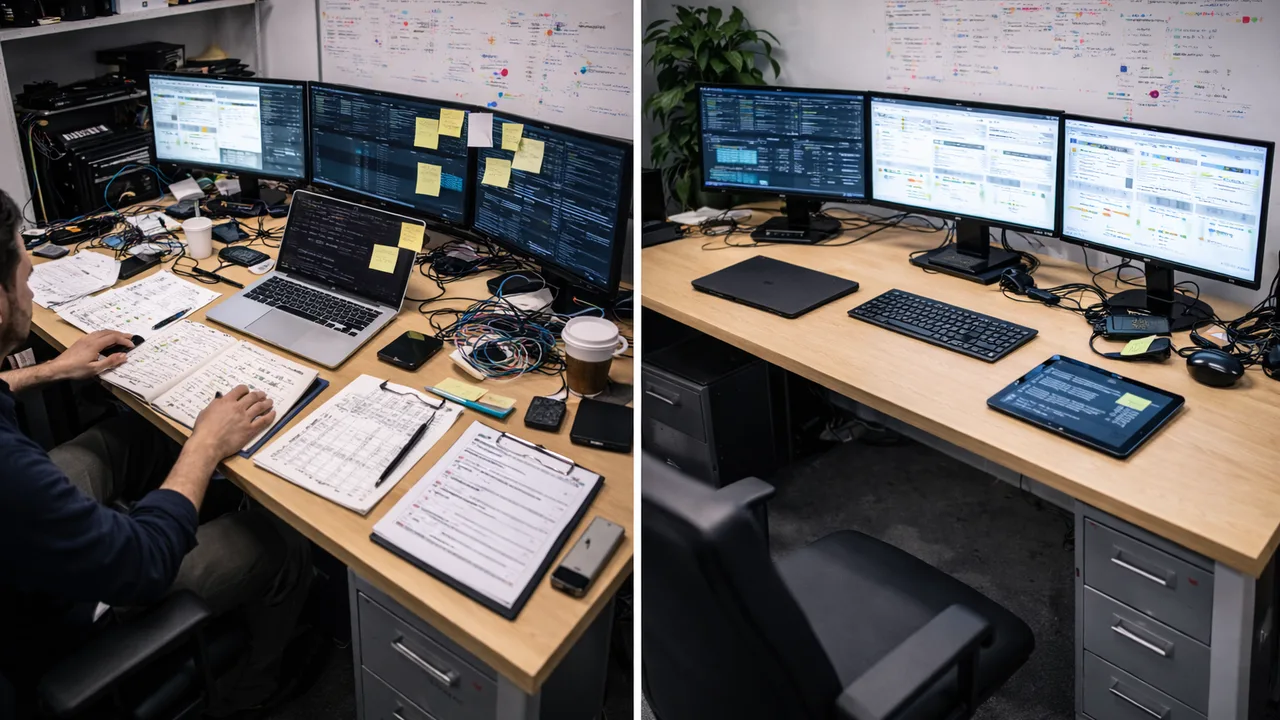
IT automation and manual IT management differ in how tasks are executed. Manual management relies on human intervention, while automation uses predefined rules, scripts, and workflows to perform tasks automatically, improving speed, consistency, and scalability while reducing errors.
What is manual IT management?
Manual IT management involves performing IT tasks individually by hand. This includes logging into systems, running commands, applying updates, and troubleshooting issues without automated assistance.
It gives full control over each action, but it requires significant time and effort, especially as environments grow.
What is IT automation?
IT automation uses tools and workflows to handle IT tasks without manual input. Tasks are triggered by events, schedules, or conditions, and executed automatically based on predefined logic.
This allows IT teams to manage systems more efficiently and consistently at scale.
What is the key difference between automation and manual management?
The main difference is how tasks are executed.
- Manual IT management
Tasks are performed individually by a person - IT automation
Tasks are executed automatically based on rules
Automation removes the need for repeated manual actions and enables faster response to changes or issues.
How do speed and efficiency compare?
Manual IT management
- Slower execution
- Requires repeated effort
- Limited by human availability
IT automation
- Immediate execution when triggered
- Eliminates repetitive work
- Operates continuously without interruption
Automation significantly improves operational speed.
How do consistency and accuracy compare?
Manual IT management
- Results may vary depending on execution
- Higher risk of human error
- Inconsistent configurations across systems
IT automation
- Executes tasks the same way every time
- Reduces variability
- Maintains standardized environments
Automation ensures predictable outcomes.
How do they scale in growing environments?
Manual IT management
- Workload increases with each new device or user
- Requires more staff to keep up
IT automation
- Handles multiple systems simultaneously
- Scales without proportional increase in effort
Automation enables IT teams to manage larger environments efficiently.
How do they impact IT teams?
Manual IT management
- Focus on repetitive tasks
- Reactive approach to issues
- Limited time for strategic work
IT automation
- Reduces routine workload
- Enables proactive operations
- Frees time for higher-value initiatives
Automation shifts IT teams from maintenance to optimization.
What are the risks of manual IT management?
Manual processes introduce several risks:
- Human error during execution
- Delayed response to issues
- Inconsistent configurations
- Difficulty maintaining compliance
These risks increase as systems become more complex.
What are the risks of IT automation?
Automation also has risks if not implemented properly:
- Incorrect workflows can cause widespread issues
- Lack of oversight can hide problems
- Poor testing can impact multiple systems at once
These risks can be managed with proper planning, testing, and monitoring.
When should businesses use manual management vs automation?
Manual IT management is useful when:
- Tasks are complex or unpredictable
- Decisions require human judgment
- One-off changes are needed
IT automation is ideal when:
- Tasks are repetitive and rule-based
- Processes are clearly defined
- Actions need to be executed at scale
Most environments use a combination of both approaches.
What is a real-world comparison example?
Manual approach:
- IT logs into each device
- Checks for updates
- Installs patches individually
Automated approach:
- System detects missing updates
- Deploys patches across all devices
- Reports status automatically
The automated approach completes the same task faster and more consistently.
How do modern IT platforms support automation?
Modern IT management platforms integrate automation into daily operations.
They allow IT teams to:
- Define rules and workflows
- Execute tasks across multiple systems
- Monitor results in real time
- Maintain centralized control
Some platforms, like Level, combine automation with endpoint management, making it easier to transition from manual processes to automated workflows.
Summary
The difference between IT automation and manual IT management lies in execution. Manual processes rely on human effort, while automation uses predefined workflows to execute tasks automatically.
Automation improves speed, consistency, and scalability, while manual management remains useful for complex or one-off tasks. Most IT environments benefit from combining both approaches strategically.
Sources
- IBM, “What is IT Automation?” https://www.ibm.com/topics/automation
- Red Hat, “IT Automation vs Manual Processes” https://www.redhat.com/en/topics/automation
- Microsoft Learn, “Automation in IT Operations” https://learn.microsoft.com