
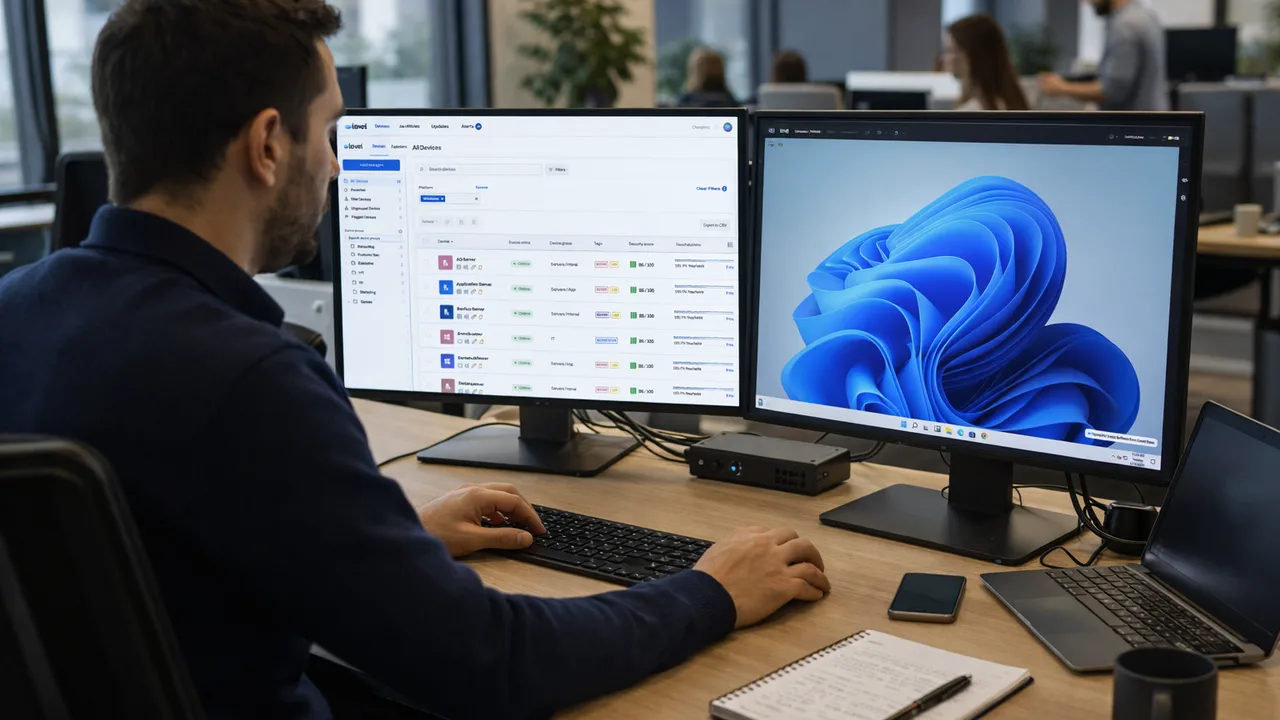
Endpoint management works by connecting devices such as laptops, desktops, and servers to a centralized system that monitors, secures, and controls them remotely. IT teams use this system to deploy updates, enforce policies, automate tasks, and respond to issues in real time without physical access.
What does it mean for endpoint management to “work”?
When we say endpoint management “works,” it refers to how devices are connected, monitored, and controlled through a centralized platform.
Each endpoint becomes part of a managed environment where IT teams can:
- See device status and performance
- Apply configurations and policies
- Automate maintenance tasks
- Respond to issues remotely
This creates a controlled and scalable IT environment.
How are endpoints connected to management systems?
Endpoints are connected to a management platform using one of two methods:
- Agent-based: A lightweight software agent is installed on each device
- Agentless or native integration: Uses built-in system capabilities or network protocols
Once connected, the endpoint continuously communicates with the central system.
What happens after a device is connected?
After connection, the endpoint starts sending data and receiving instructions.
Typical workflow:
- The device reports system data such as CPU usage, disk health, and alerts
- The platform analyzes this data for issues or policy violations
- IT teams receive alerts or automated actions are triggered
- Commands like updates, scripts, or configurations are sent back to the device
This creates a continuous feedback loop between the endpoint and the management system.
How does endpoint monitoring work?
Monitoring is a core part of endpoint management.
The system tracks:
- Device performance metrics
- Software and patch status
- Security events
- Connectivity and uptime
If something goes wrong, alerts are generated so IT teams can respond immediately or trigger automation.
How does automation work in endpoint management?
Automation reduces manual workload by handling repetitive tasks.
Common automated actions include:
- Installing patches and updates
- Running maintenance scripts
- Restarting services or devices
- Enforcing configuration policies
Automation ensures consistency across all endpoints and reduces human error.
How are updates and patches deployed?
Endpoint management platforms allow IT teams to deploy updates remotely.
Process:
- Updates are approved or scheduled centrally
- Devices receive updates based on policies or timing rules
- Installation happens in the background or during maintenance windows
- Systems report success or failure back to the platform
This ensures all devices stay current without manual intervention.
How does endpoint security enforcement work?
Security is enforced through policies applied across all endpoints.
These policies can include:
- Antivirus and threat detection rules
- Firewall configurations
- Access controls and permissions
- Encryption requirements
If a device violates a policy, the system can alert IT or automatically take action.
How do IT teams control endpoints remotely?
Remote control features allow IT teams to interact with devices directly.
This includes:
- Remote desktop access
- Command-line execution
- File transfers
- Troubleshooting and support
It removes the need for physical access, especially in remote environments.
How does endpoint management scale across many devices?
Endpoint management scales through centralized control and automation.
Key factors:
- Devices are grouped by role, department, or location
- Policies are applied in bulk instead of individually
- Automation handles routine tasks across all endpoints
- Monitoring provides visibility across the entire environment
This allows IT teams to manage hundreds or thousands of devices efficiently.
What challenges affect how endpoint management works?
Some common challenges include:
- Managing remote or off-network devices
- Handling large volumes of alerts
- Ensuring updates do not disrupt users
- Maintaining consistent configurations
Modern tools address these with automation, smart alerting, and policy-based controls.
FAQ
Does endpoint management require software installation?
In most cases, yes. Agent-based systems require a small program installed on each device.
Can endpoint management work for remote devices?
Yes, modern systems are designed to manage devices regardless of location.
Is endpoint management real-time?
It can be near real-time, depending on how frequently devices communicate with the system.
Can everything be automated?
Most routine tasks can be automated, but some actions still require manual intervention.
Summary
Endpoint management works by continuously connecting devices to a centralized system that monitors, secures, and controls them. Through automation, policy enforcement, and real-time data, IT teams gain visibility and control needed to manage environments efficiently at scale.
Sources
- Microsoft Learn, Endpoint management architecture and processes
- IBM, How endpoint management systems operate
- Cisco, Endpoint monitoring and security fundamentals