
What Is Endpoint Compliance Reporting?
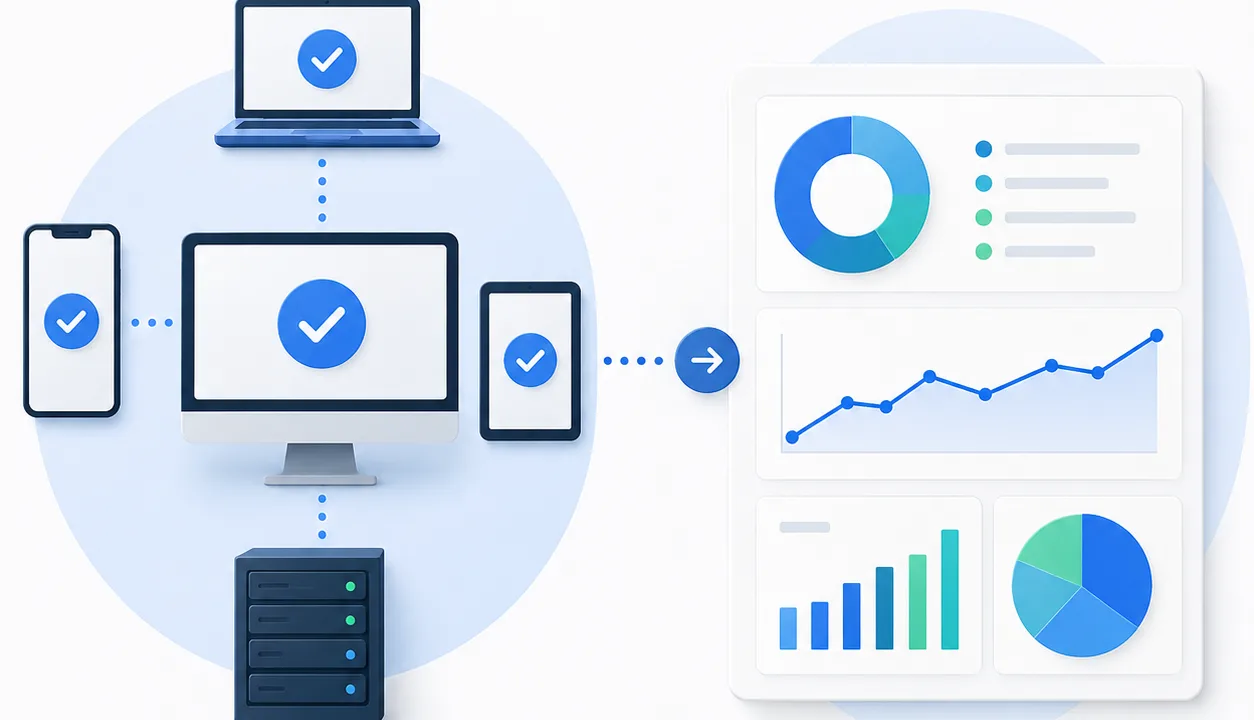
Endpoint compliance reporting is the process of collecting, analyzing, and documenting whether devices across an organization meet defined security, configuration, and regulatory standards.
In the context of endpoint management, compliance reporting ensures that every device, including laptops, servers, and mobile systems, follows required policies for security, updates, and usage.
If you are building a broader endpoint strategy, start with Endpoint Management: How to Monitor, Secure, and Scale Endpoints to understand how compliance fits into monitoring and security operations.
Why Endpoint Compliance Reporting Matters
Endpoint compliance reporting is no longer optional. It plays a critical role in maintaining security, passing audits, and ensuring operational consistency.
Without proper reporting, IT teams risk:
- Undetected security vulnerabilities
- Failed compliance audits
- Inconsistent configurations across devices
- Increased exposure to threats
A strong compliance reporting process gives teams visibility and control over every endpoint in their environment.
What Does Endpoint Compliance Actually Mean?
An endpoint is considered compliant when it meets predefined standards such as:
- Up-to-date operating system and patches
- Active security tools like antivirus or endpoint protection
- Approved configurations and policies
- Enforced encryption and access controls
Compliance requirements may come from:
- Internal IT policies
- Industry frameworks
- Regulatory standards
Key Components of Endpoint Compliance Reporting
Effective endpoint compliance reporting includes several core elements that work together to provide a complete picture.
1. Device Inventory Visibility
You need a complete, real-time inventory of all endpoints:
- Workstations
- Servers
- Remote devices
- Virtual machines
Without full visibility, compliance reporting is incomplete.
2. Policy Definition and Enforcement
Define what “compliant” means in your environment:
- Patch requirements
- Security configurations
- Software restrictions
Clear policies allow consistent reporting and enforcement.
3. Continuous Monitoring
Compliance is not a one-time check.
You need ongoing monitoring to track:
- Configuration drift
- Missing updates
- Disabled security tools
Continuous monitoring ensures real-time compliance status.
4. Automated Reporting
Manual reporting is inefficient and error-prone.
Automated reporting allows:
- Real-time dashboards
- Scheduled reports
- Audit-ready documentation
This reduces workload while improving accuracy.
5. Alerting and Remediation
When a device becomes non-compliant, IT teams must act quickly.
This includes:
- Alerts for violations
- Automated remediation scripts
- Escalation workflows
Fast response minimizes risk.
Types of Endpoint Compliance Reports
Different reports serve different purposes depending on audience and use case.
Security Compliance Reports
Focus on:
- Antivirus status
- Firewall configuration
- Encryption
Patch Compliance Reports
Track:
- Missing updates
- Patch success rates
- Vulnerability exposure
Configuration Compliance Reports
Ensure devices follow:
- Standard configurations
- Approved software lists
- Access policies
Audit and Regulatory Reports
Used for:
- External audits
- Internal reviews
- Certification requirements
These reports must be accurate, consistent, and easy to generate.
Common Challenges in Endpoint Compliance Reporting
Many IT teams struggle with compliance reporting due to:
Lack of Visibility
Unmanaged or unknown devices create blind spots.
Manual Processes
Spreadsheets and manual tracking lead to errors and inefficiency.
Alert Overload
Too many alerts make it difficult to prioritize real issues.
Inconsistent Policies
Different teams or environments may follow different standards.
How to Build an Effective Endpoint Compliance Reporting Process
1. Centralize Endpoint Data
Use a unified platform to track all devices in one place.
2. Define Clear Compliance Standards
Establish:
- Security baselines
- Patch requirements
- Configuration policies
3. Automate Monitoring and Reporting
Reduce manual work with:
- Real-time monitoring
- Scheduled reports
- Automated alerts
4. Prioritize High-Risk Issues
Focus on:
- Critical vulnerabilities
- Security tool failures
- High-impact devices
5. Continuously Review and Improve
Compliance requirements evolve.
Regularly update:
- Policies
- Reporting criteria
- Automation workflows
How Level Simplifies Endpoint Compliance Reporting
Level provides a centralized approach to endpoint compliance with:
- Comprehensive device inventory, ensuring full visibility
- Monitoring and alerting, detecting compliance issues in real time
- Patch management tools, keeping systems updated
- Custom fields and reporting, enabling audit-ready documentation
- Automation and scripting, resolving compliance issues at scale
This allows IT teams to move from reactive compliance tracking to proactive enforcement.
Key Takeaways
- Endpoint compliance reporting ensures devices meet security and policy standards
- Continuous monitoring is essential for maintaining compliance
- Automation improves accuracy and reduces workload
- Centralized visibility is critical for effective reporting
FAQ: Endpoint Compliance Reporting
What is endpoint compliance reporting?
It is the process of tracking and documenting whether devices meet defined security and configuration standards.
Why is endpoint compliance important?
It helps prevent security risks, ensures consistency, and supports audit readiness.
How often should compliance reports be generated?
Most organizations use continuous monitoring with weekly or monthly reporting.