
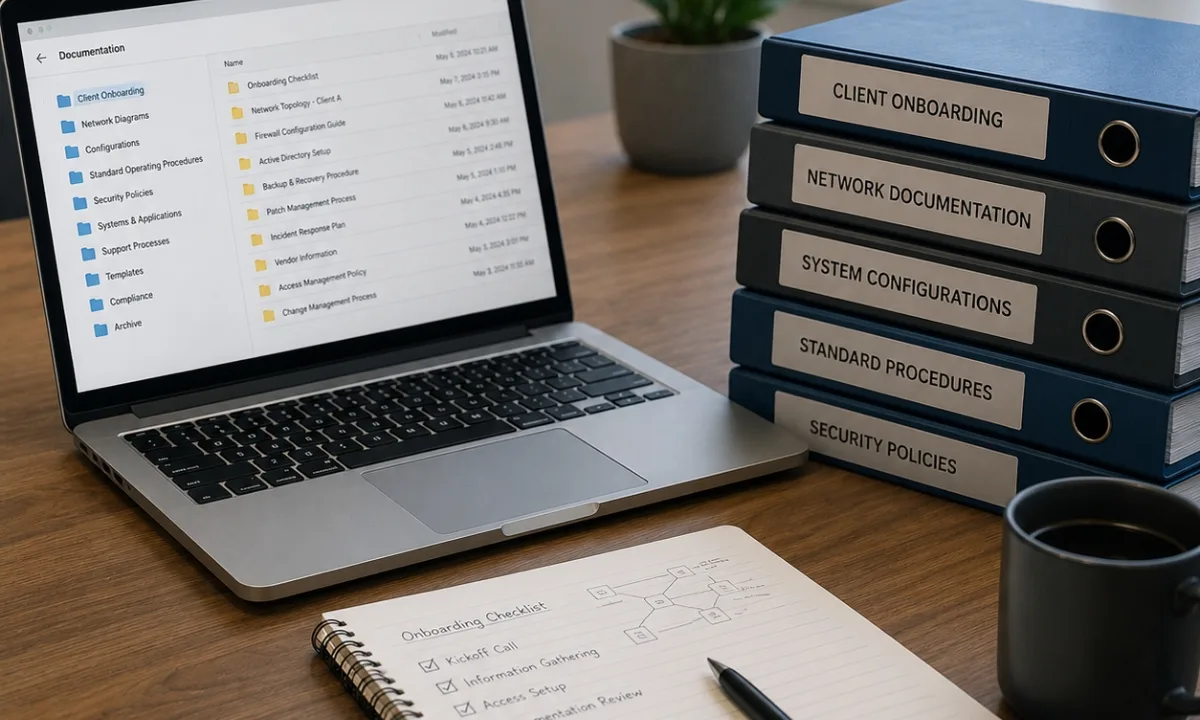
Documentation is one of the most important operational assets for Managed Service Providers (MSPs). Without standardized documentation, MSPs struggle with inconsistent service delivery, delayed ticket resolution, security risks, inefficient onboarding, and operational bottlenecks that limit scalability.
As MSP environments grow more complex, documentation becomes critical for maintaining efficiency, improving technician collaboration, supporting cybersecurity initiatives, and strengthening MSP operations through consistent IT service delivery across multiple client environments. Strong documentation standards help MSPs reduce operational chaos and create repeatable workflows that support long-term growth and more efficient MSP operations.
This guide explains how MSPs can create standardized documentation processes that improve operational maturity, technician productivity, and scalable IT service delivery.
Why Documentation Matters in MSP Operations
Documentation is the operational backbone of managed IT services.
Every support request, infrastructure change, onboarding process, security review, and troubleshooting workflow depends on accurate and accessible information.
Without proper documentation, technicians waste time searching for credentials, rebuilding network diagrams, identifying device ownership, or troubleshooting undocumented configurations.
Poor documentation often leads to:
- Longer ticket resolution times
- Increased technician dependency
- Inconsistent service delivery
- Security vulnerabilities
- Communication gaps
- Operational inefficiencies
- Higher onboarding complexity
- Increased downtime
- Reduced client satisfaction
Standardized documentation improves operational consistency and reduces dependency on tribal knowledge.
For growing MSPs, documentation is essential for scalability.
What Are MSP Documentation Standards?
MSP documentation standards are structured guidelines that define how technical, operational, and client information should be created, organized, updated, and maintained.
These standards ensure every technician follows the same documentation process across all client environments.
A standardized documentation framework helps MSPs:
- Improve technician efficiency
- Reduce operational risk
- Maintain service consistency
- Improve onboarding workflows
- Strengthen cybersecurity
- Simplify troubleshooting
- Support compliance requirements
- Improve internal collaboration
- Scale operations more effectively
The goal is to create a centralized and repeatable documentation system that supports every stage of IT service delivery.
Types of Documentation MSPs Should Standardize
A mature MSP documentation strategy should cover both technical and operational information.
Client Information
Document:
- Company contacts
- Stakeholder information
- Business hours
- Escalation contacts
- Vendor relationships
- Communication preferences
- Compliance requirements
Network Documentation
Document:
- Network diagrams
- Firewall configurations
- VLAN structures
- ISP details
- Wireless configurations
- VPN settings
- IP address schemes
Infrastructure Documentation
Document:
- Servers
- Virtual machines
- Storage systems
- Cloud environments
- Endpoint inventories
- Backup systems
- SaaS platforms
Security Documentation
Document:
- MFA policies
- Endpoint protection
- Security alerts
- Incident response procedures
- Access controls
- Vulnerability findings
- Compliance policies
Operational Documentation
Document:
- Standard operating procedures
- Escalation workflows
- Ticket handling processes
- Onboarding procedures
- Backup validation workflows
- Maintenance schedules
- Disaster recovery procedures
Standardizing these documentation categories improves operational consistency across every client account.
Core Components of Effective MSP Documentation Standards
Strong documentation standards go beyond simply storing information.
MSPs need structured processes that ensure documentation remains accurate, secure, and easy to maintain.
Centralized Documentation Storage
All documentation should be stored in a centralized platform accessible to authorized technicians.
Using multiple disconnected systems creates operational confusion and increases the risk of outdated information.
A centralized documentation platform improves:
- Collaboration
- Searchability
- Security
- Standardization
- Access control
- Workflow efficiency
Standardized Templates
Templates help MSPs create consistency across every client environment.
Instead of relying on individual technician preferences, standardized templates ensure all critical information is documented uniformly.
Templates should include:
- Client overview forms
- Network diagrams
- Credential documentation
- Device inventories
- Security assessments
- Backup documentation
- Escalation procedures
Consistency improves operational efficiency and reduces documentation gaps.
Role-Based Access Control
Documentation often contains sensitive operational and security information.
Access should follow least-privilege security principles.
MSPs should implement:
- Role-based permissions
- MFA protection
- Audit logging
- Credential encryption
- Access reviews
- Documentation approval workflows
Strong access controls reduce internal security risks while improving compliance readiness.
Documentation Ownership
Every documentation category should have assigned ownership.
Without accountability, documentation quickly becomes outdated.
Assign ownership for:
- Network updates
- Security reviews
- Asset inventories
- Backup validation
- Infrastructure changes
- Vendor records
- Compliance documentation
Ownership improves accuracy and operational accountability.
How Documentation Improves MSP Scalability
Scalability depends heavily on operational consistency.
As MSPs grow, technicians need fast access to accurate information across multiple client environments.
Strong documentation helps MSPs:
- Reduce onboarding time
- Improve ticket resolution speed
- Standardize service delivery
- Simplify technician training
- Reduce operational bottlenecks
- Improve escalation workflows
- Support remote teams
- Reduce downtime
- Improve SLA performance
Without documentation standards, operational complexity increases rapidly as the client base grows.
Documentation creates operational structure that supports scalable service delivery.
Documentation Standards for MSP Client Onboarding
Client onboarding is one of the most documentation-heavy operational processes within an MSP.
Poor onboarding documentation creates long-term operational issues that affect every future support interaction.
During onboarding, MSPs should document:
- Network infrastructure
- User accounts
- Device inventories
- Licensing details
- Vendor relationships
- Security policies
- Backup systems
- Administrative access
- Internet providers
- Cloud environments
A standardized onboarding documentation checklist helps MSPs maintain consistency across all client environments.
Best Practice
Document client environments before making major infrastructure changes whenever possible.
This creates a reliable operational baseline for future support.
Cybersecurity Documentation Best Practices
Cybersecurity documentation is critical for modern MSP operations.
As cyber threats increase, MSPs need clear and organized documentation that supports incident response, compliance, and risk management.
Important cybersecurity documentation includes:
- MFA configurations
- Security policies
- Vulnerability assessments
- Endpoint protection coverage
- Security incidents
- Access reviews
- Patch management records
- Compliance reports
- Firewall configurations
- Backup validation records
Security documentation should be updated continuously as environments evolve.
Common Documentation Mistakes MSPs Should Avoid
Many MSPs struggle with documentation because processes are inconsistent or poorly maintained.
Incomplete Documentation
Missing information slows troubleshooting and increases operational inefficiency.
Outdated Information
Old credentials, inaccurate diagrams, and unsupported asset records create unnecessary support delays.
Lack of Standardization
Different documentation formats across technicians create confusion and inconsistency.
Overcomplicated Documentation
Documentation should be detailed but easy to navigate.
Overly complex systems reduce usability.
Weak Security Controls
Unprotected documentation platforms create serious operational and cybersecurity risks.
How Automation Improves MSP Documentation
Automation helps MSPs maintain accurate documentation while reducing manual work.
As MSP environments scale, manual documentation updates become increasingly difficult to manage.
Automation can improve:
- Asset discovery
- Device inventories
- Network mapping
- Backup reporting
- Patch compliance tracking
- User account synchronization
- Configuration monitoring
- Alert documentation
- Ticket synchronization
Automated documentation workflows improve consistency while reducing human error.
Common Documentation Automation Examples
- RMM asset synchronization
- Automated network discovery tools
- Configuration monitoring systems
- Ticket-to-documentation integrations
- Backup reporting automation
- PowerShell inventory scripts
Automation supports long-term documentation accuracy and operational efficiency.
KPIs for Measuring Documentation Quality
MSPs should track documentation performance to improve operational maturity.
Important documentation KPIs include:
- Documentation completion rate
- Ticket resolution time
- Documentation update frequency
- Missing asset percentage
- Backup documentation accuracy
- Escalation efficiency
- Technician satisfaction
- Security audit readiness
- Time spent locating information
Operational metrics help MSPs identify documentation gaps and process inefficiencies.
How Documentation Supports Better Client Experience
Clients often judge MSPs based on responsiveness, consistency, and operational organization.
Strong documentation directly improves the client experience by enabling:
- Faster issue resolution
- Consistent communication
- Reduced downtime
- Better escalation handling
- Improved project execution
- More accurate reporting
- Better security management
Documentation improves the overall professionalism and reliability of MSP service delivery.
Building a Documentation-First MSP Culture
Successful MSPs treat documentation as a core operational discipline rather than an optional task.
Creating a documentation-first culture requires leadership support and operational accountability.
To improve documentation maturity:
Standardize Documentation Workflows
Every technician should follow the same documentation standards.
Train Technicians Regularly
Documentation training should be part of technician onboarding and operational development.
Integrate Documentation Into Daily Operations
Documentation updates should be embedded into ticketing and project workflows.
Audit Documentation Frequently
Regular reviews help identify outdated or incomplete information.
Automate Whenever Possible
Automation reduces manual workload while improving consistency.
FAQ
What are MSP documentation standards?
MSP documentation standards are structured guidelines that define how technical, operational, and client information should be created, maintained, and organized across managed IT environments.
Why is documentation important for MSPs?
Documentation improves operational consistency, reduces troubleshooting time, strengthens cybersecurity, and supports scalable IT service delivery.
What should MSP documentation include?
MSP documentation should include network diagrams, infrastructure details, credentials, operational workflows, security policies, backup configurations, and client contact information.
How can MSPs improve documentation accuracy?
MSPs can improve accuracy through standardized templates, centralized platforms, regular audits, role-based ownership, and automation tools.
What tools do MSPs use for documentation?
MSPs commonly use IT documentation platforms, RMM tools, PSA systems, password managers, network discovery tools, and automation workflows.
Final Thoughts
Documentation is one of the most important operational foundations for managed service providers.
Strong MSP documentation standards improve efficiency, strengthen cybersecurity, reduce operational risk, and create scalable workflows that support long-term business growth.
Without documentation consistency, MSPs struggle with operational inefficiencies, service delivery gaps, and scaling challenges.
By implementing standardized documentation processes, MSPs can improve technician productivity, reduce downtime, streamline onboarding, and create a stronger operational framework for recurring IT services.
For MSPs focused on growth, operational maturity starts with documentation discipline.
That documentation framework becomes the foundation for scalable and consistent IT service delivery.